Vouchers#
The vouchers are given to the patients to enhance their treatment with the activities to improve their focus and memory which are impaired due to the disease. The patients can attend some specialistic visits or classes (i.e. yoga, memory and focus improvement class, physiotherapy). These activities are part of treatment and with the voucher they are free of charge. Once the voucher is created in SMASCH, it can be printed and given to a patient. Therefore, monitoring the vouchers status (if voucher is newly issued, currently in use, or has expired) is important. The vouchers cannot be removed from SMASCH, they can only receive status Removed. To add a new voucher, the voucher partners and vouchers types have to be defined in SMASCH.
Note: To view Vouchers in your SMASCH instance, these feature has to be switched on in study configuration.
Voucher partners#
The voucher partners are institutes or companies that accept a voucher for a particular activity or class to support patients treatment. To add a new voucher to a subject, there has to exist any voucher partner in SMASCH. Voucher partner can be removed only by SMASCH Developers.
Add new voucher partner#
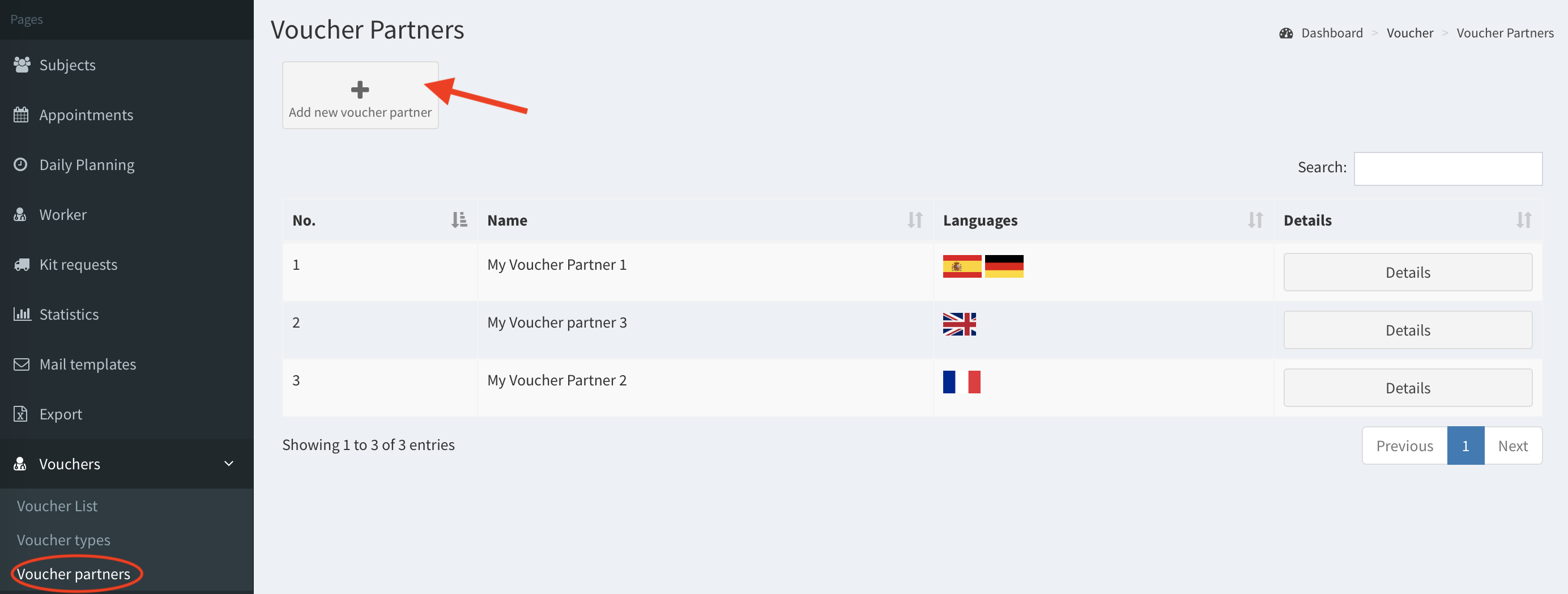
- Go to Voucher partners (subcategory of Vouchers) in the left panel. Then, click Add new voucher partner button.
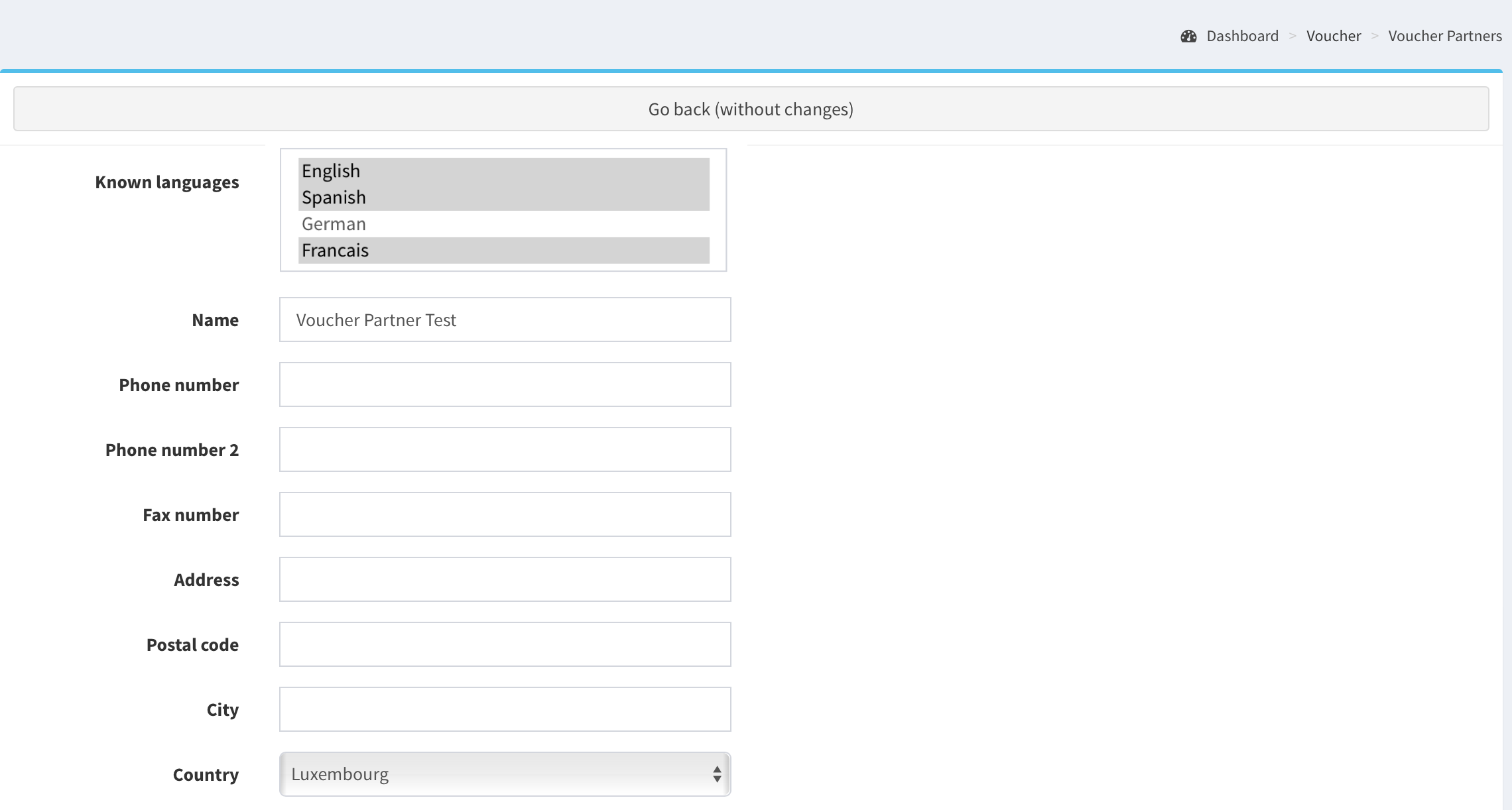
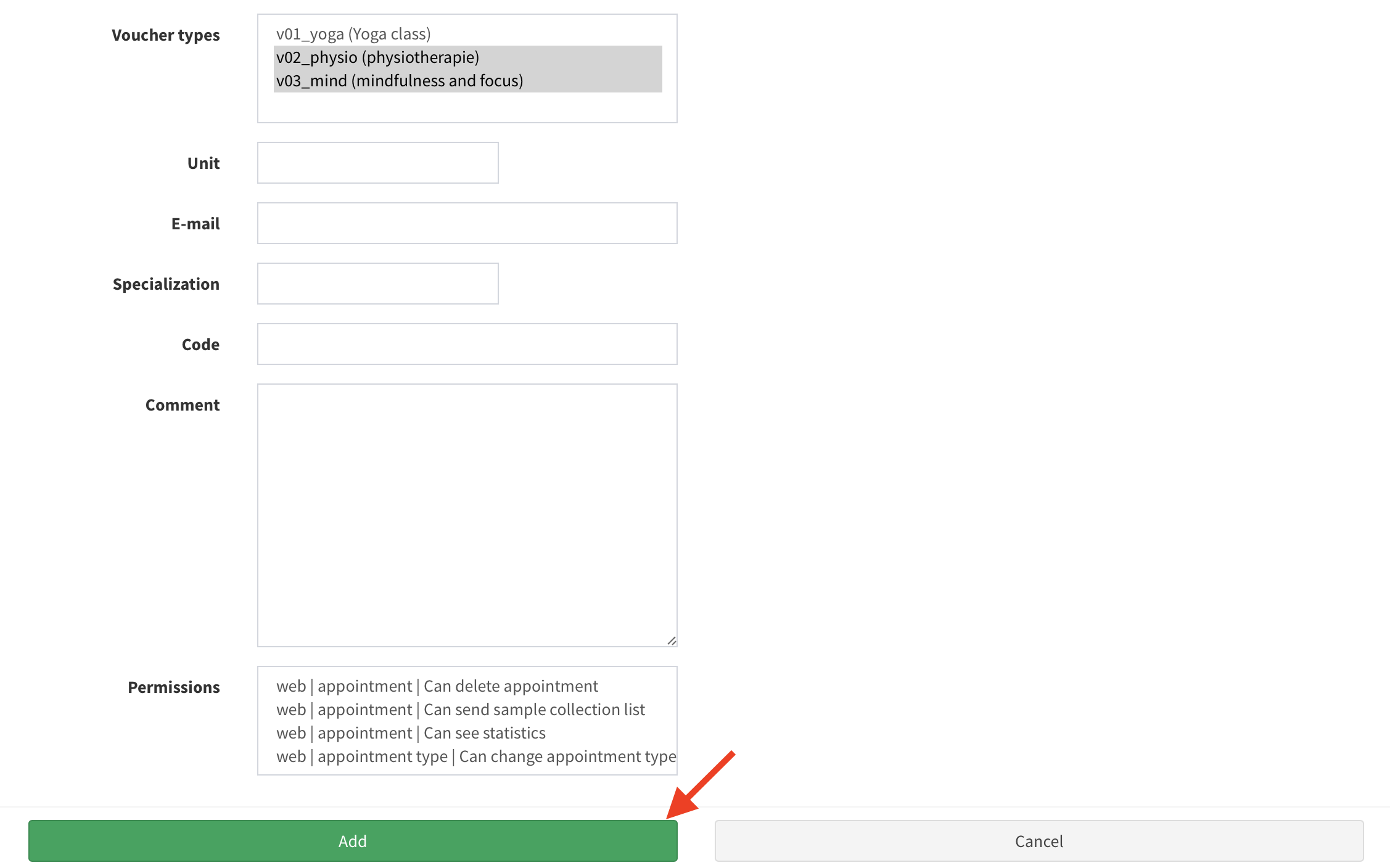
- Fill in the form with the details and click Add button to save the partner. It is important to choose what types of vouchers the partner is supporting. Note: For multiple selection press key CTRL and click on item (read more here).
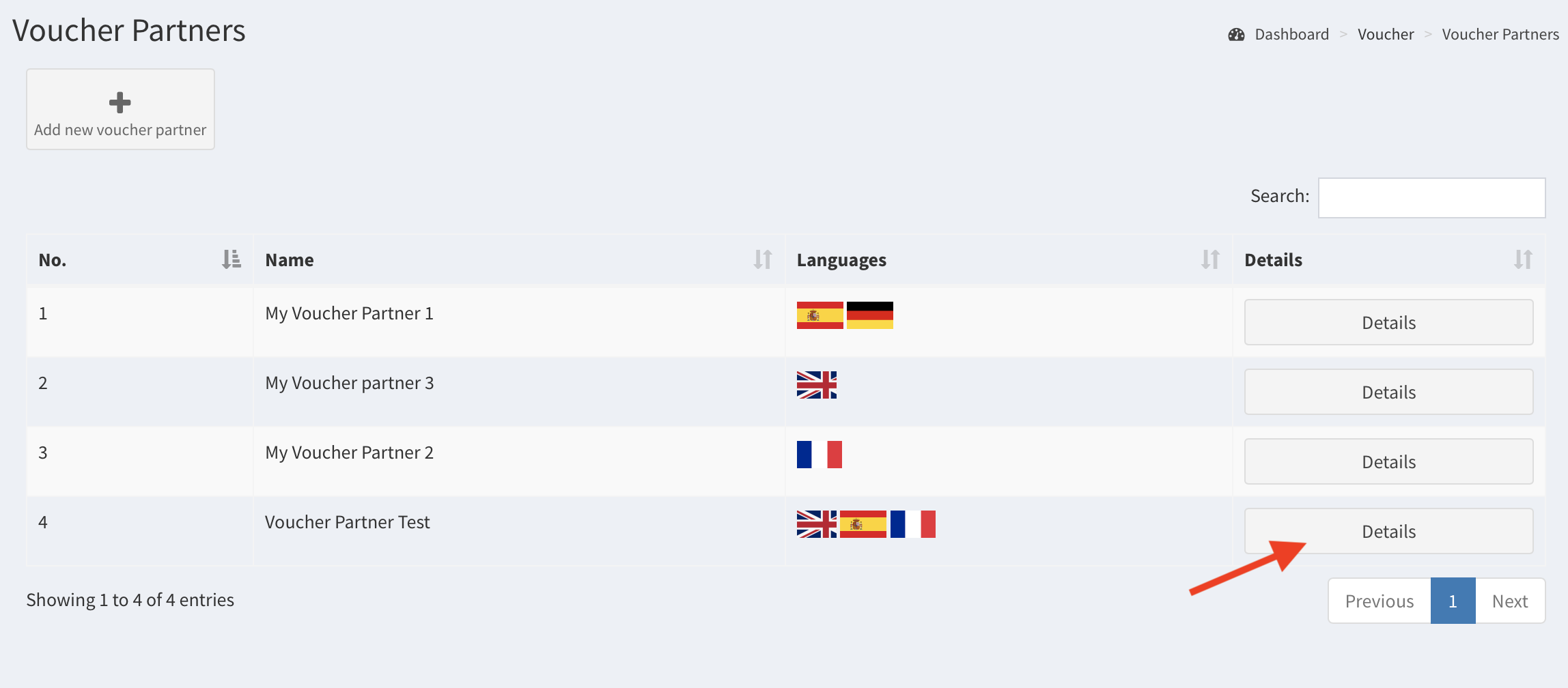
- The voucher partner has been added. To change its details click Details button.
Voucher types#
The partner accepts the vouchers concerning different activities supporting patient’s treatment. Any patient can attend free of charge these activities in the health institutes or medical cabinets. The same voucher type (i.e. memory and focus improvement class) can be issued by an individual voucher partners. The voucher type has to be configured in SMASCH in turn to create a voucher for a subject.
Add/edit voucher type#
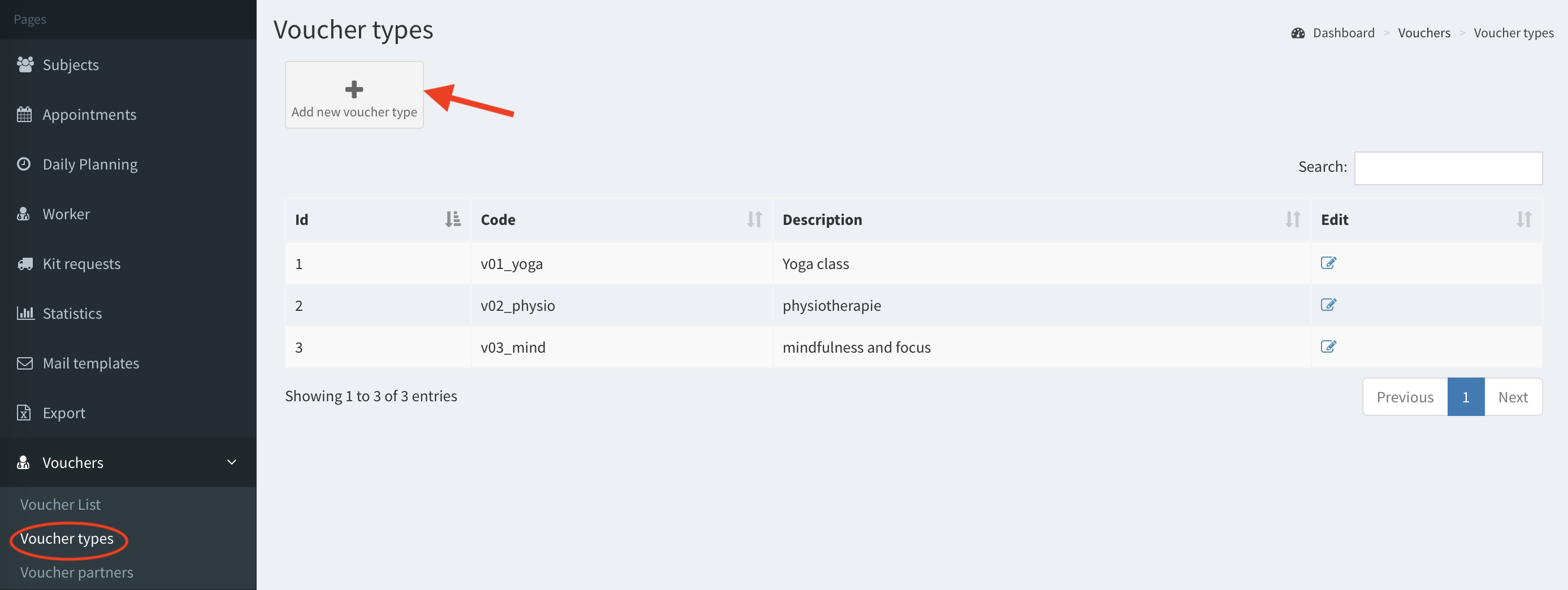
- Go to Voucher types (subcategory of Vouchers) in the left panel and click Add new voucher type button.
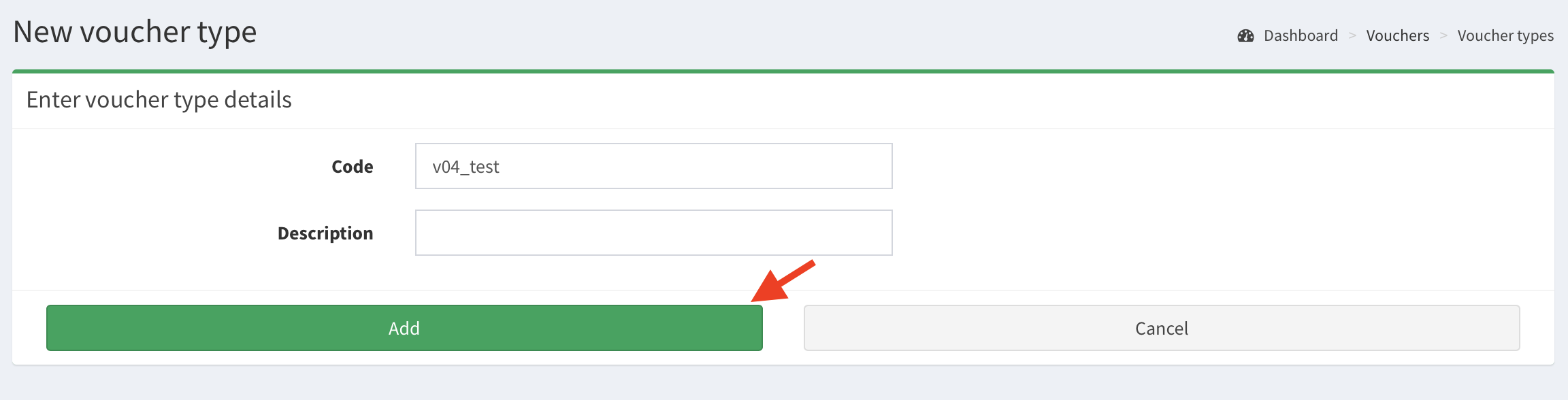
- Fill in the form. The field Code is a voucher type identifier. Then click Add button.
- The voucher type is added. Now you can create a new voucher.
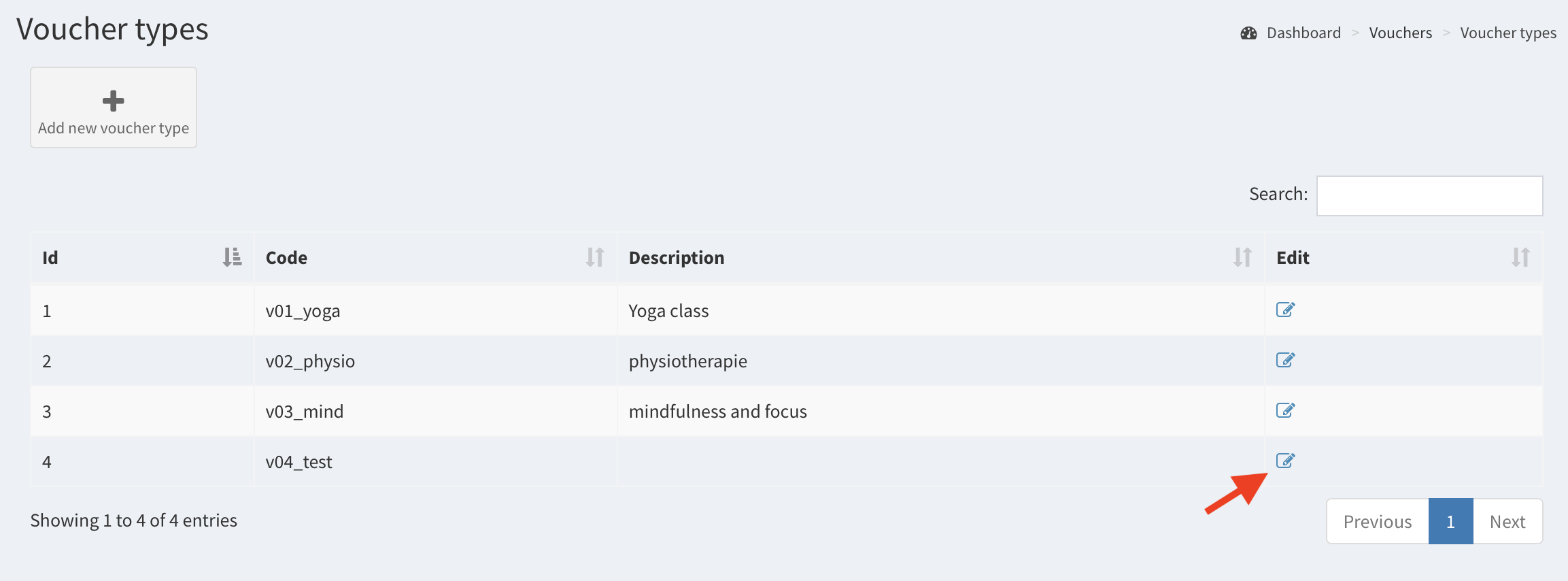
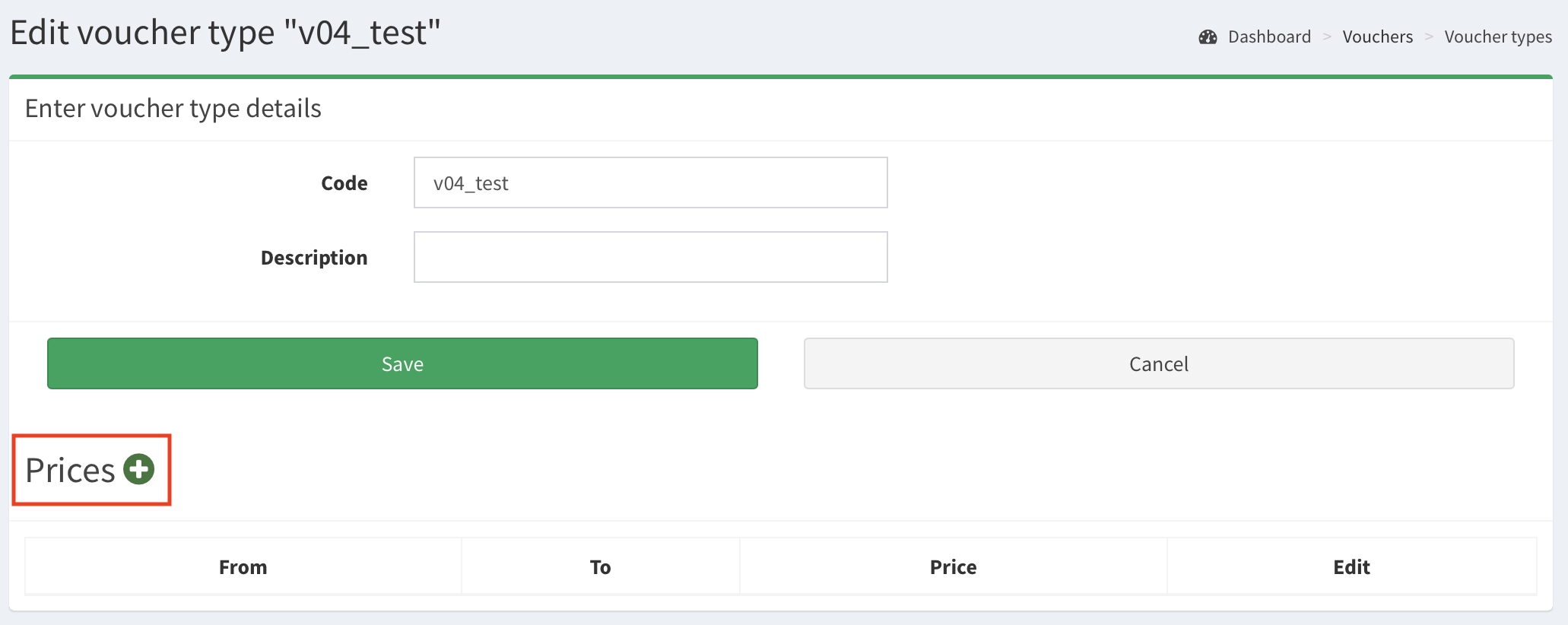
- To edit the voucher type’s details click Edit icon. Here you can change Code and Description. Note: Section Prices is deprecated feature and will be removed in upcoming SMASCH release.
Voucher list#
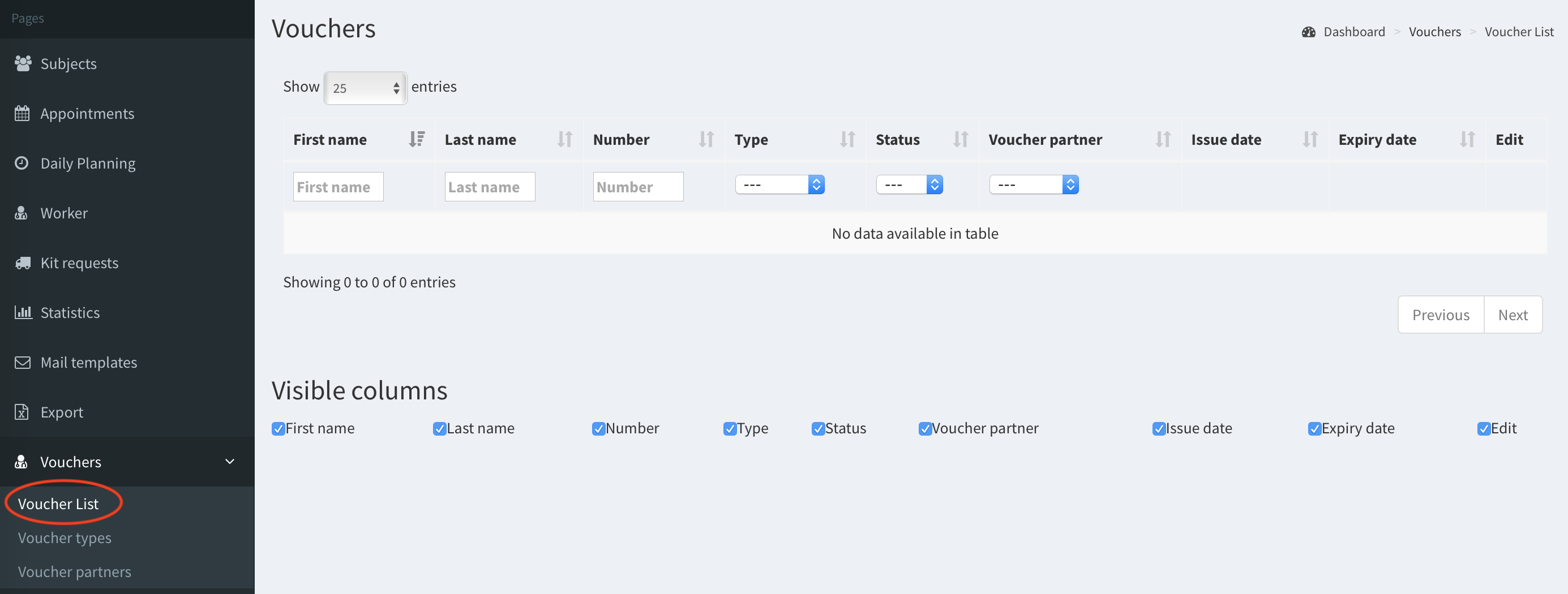
The voucher is a particular instance of the voucher type, assigned to a subject. All vouchers are listed in Voucher list (image below). Any voucher can be printed and given to a subject who will redeem it. The vouchers cannot be deleted in SMASCH. To highlight that the voucher is removed you can change its status on Removed. Once the voucher has been put on Removed status - this change can be undone only by SMASCH Developers.