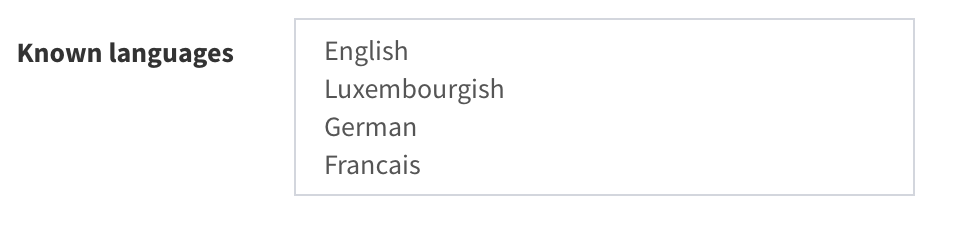
Multiple selection#
Sometimes you need to do a multiple selection, for example when you want to choose more than one language for a subject.
In the example below, you can see that just English is selected.
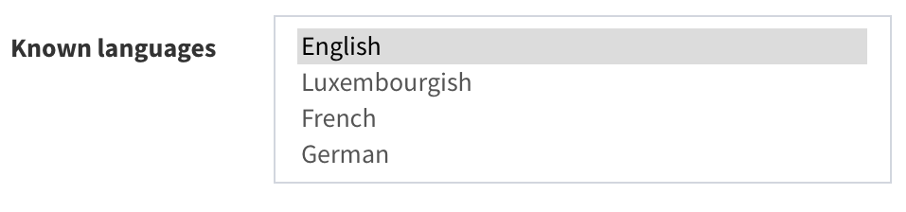
If you want to add French and German, just press the key “CTRL” and having it pressed click on the language that you want to add.
For example, after pressing “CTRL” key, and then clicking French and German, and releasing the “CTRL” key, it should look like that:
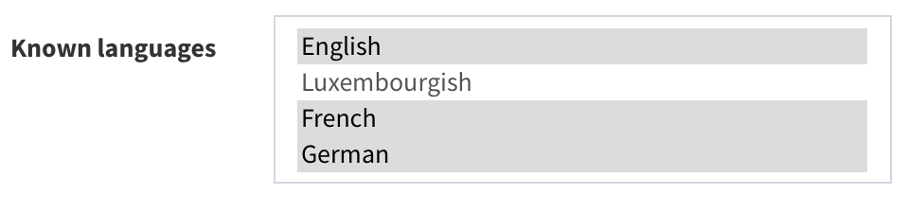
Your selected languages will have a grey background.
Also, if you would like to remove all selections, press “CTRL” and while pressing the key click on the last highlighted grey item. Now, any language is selected.