Kit requests#
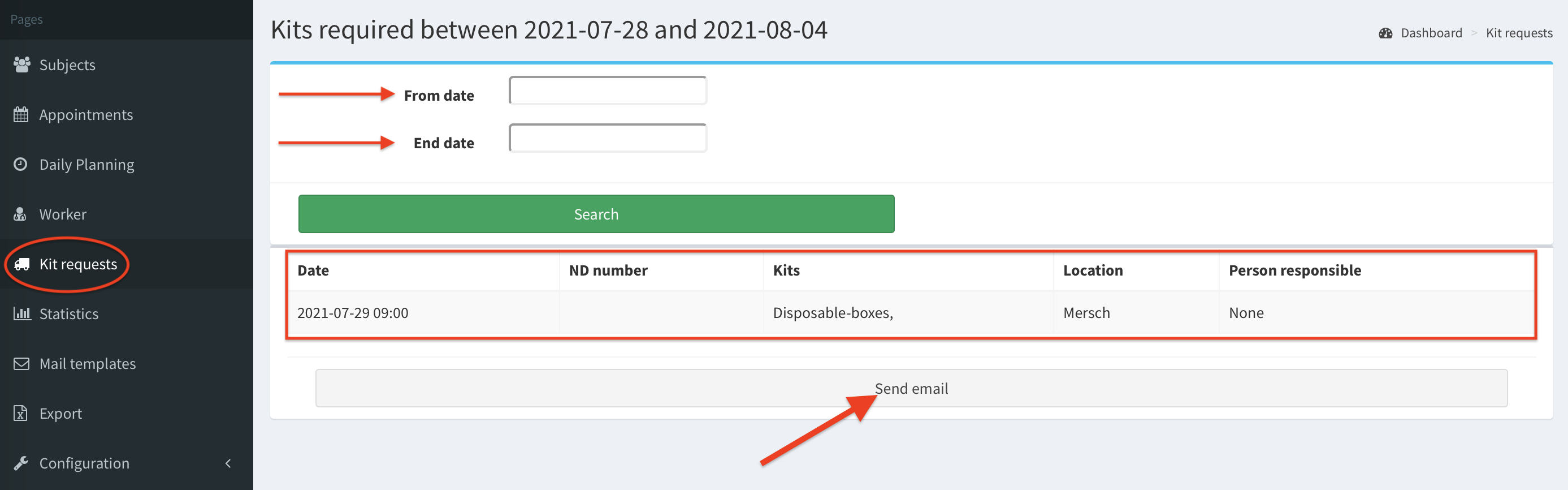
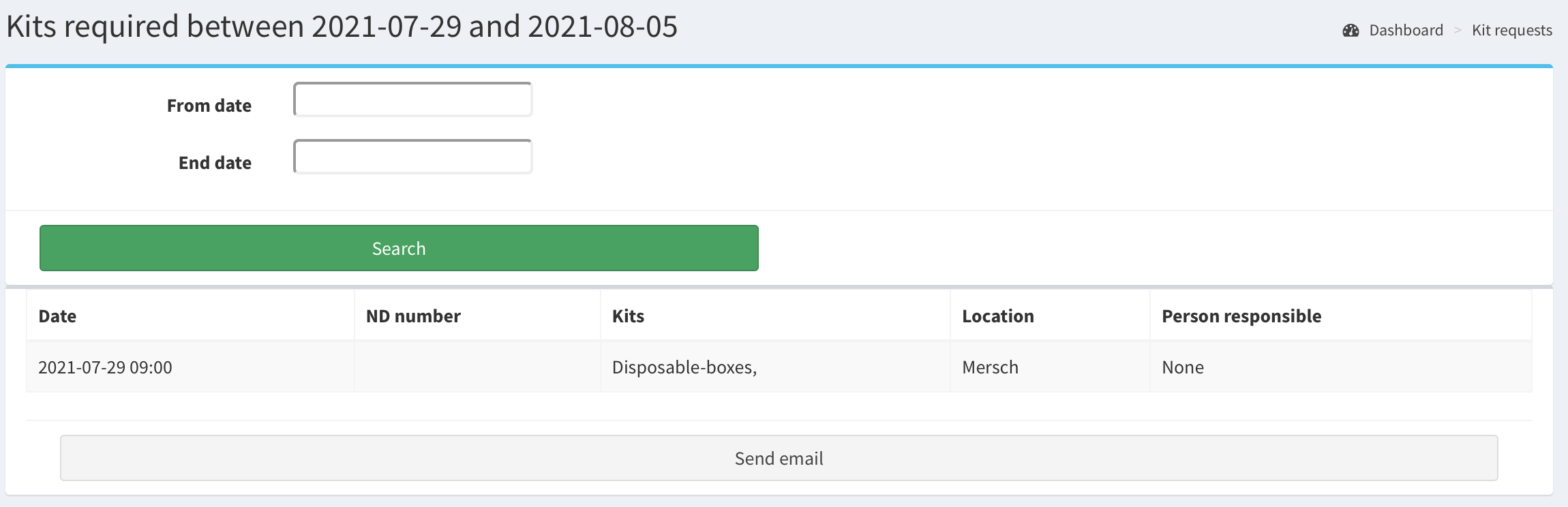
The Kit requests page shows the appointments that require any kits to be delivered to the sampling location. Therefore, only the appointments with appointment type containing the disposable equipment are listed here.
By default, the Kit requests list presents current week appointments. That period of time can be customize by filling out its from date and end date. Then, click Search button to display the appointments which require the kits or the samples during this period.
Also, at the bottom of the page, there is Send email button, which sends kit requests email.
Appointments in Kit requests list#
Below we present the requirements to display an appointment in Kit requests. That appointment must have the appointment type containing the disposable equipment.
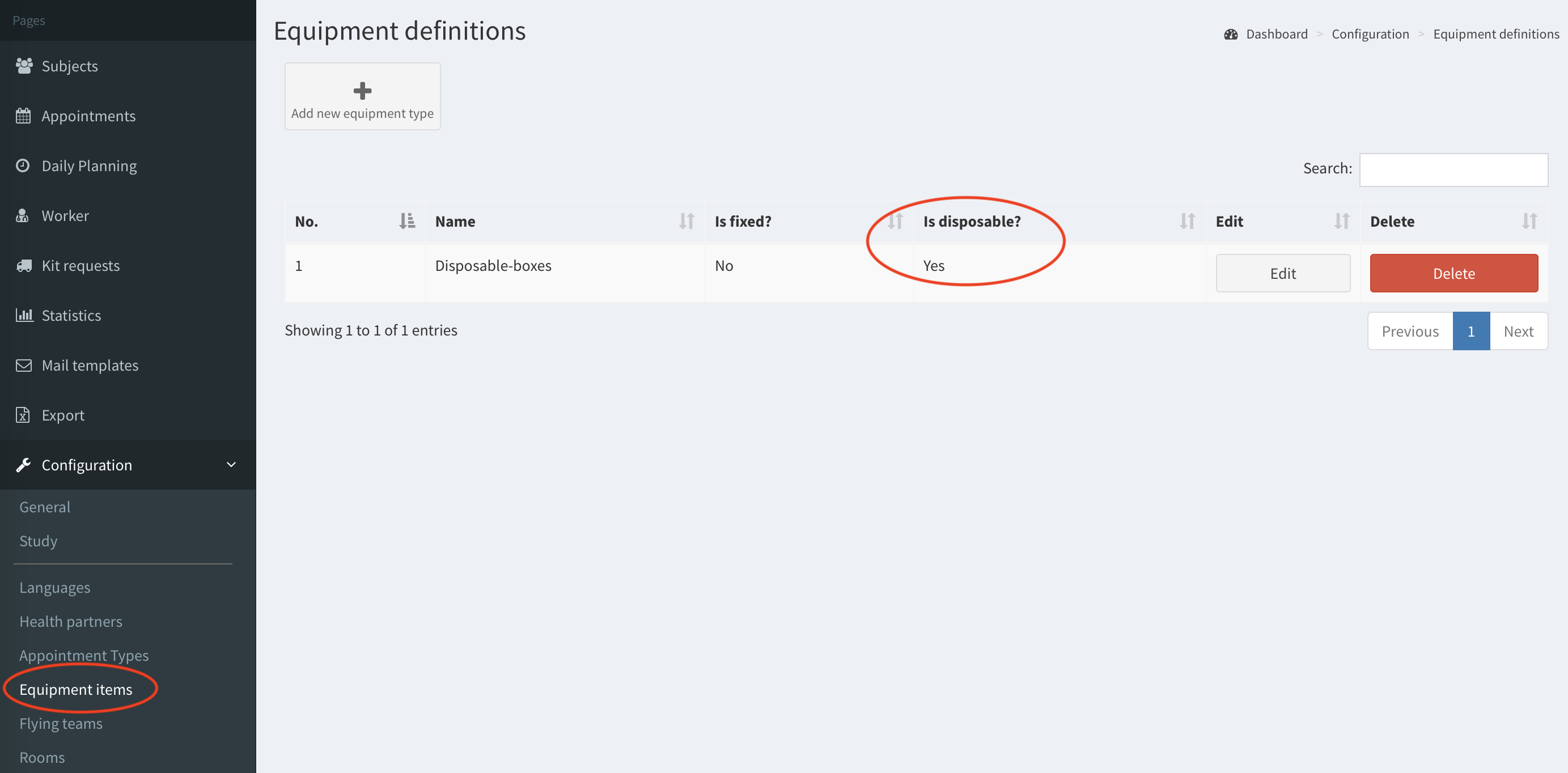
- There has to be equipment item that contains Disposable set. (In our example it is named ‘Disposable boxes’.)
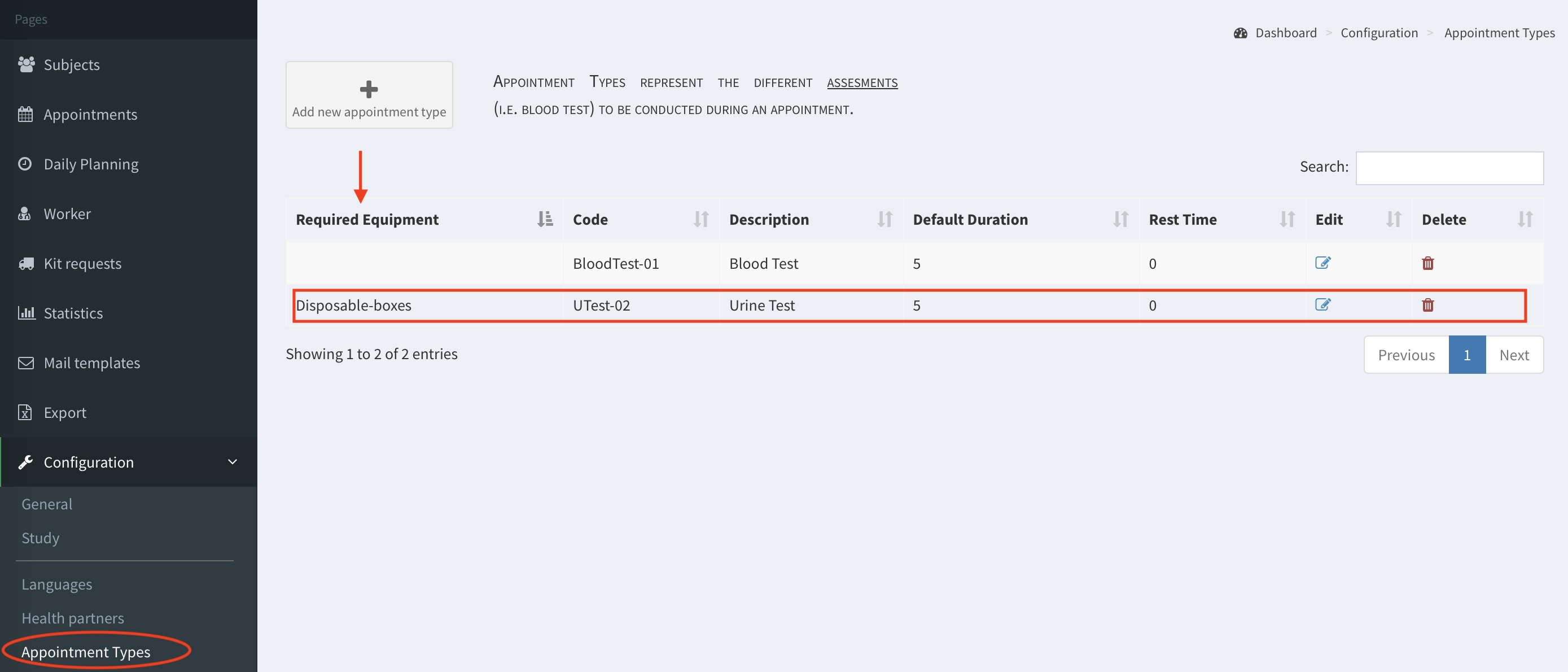
- There has to be appointment type which contains this disposable equipment in Required Equipment. (In our example the type is ‘Urine Test’, which requires ‘Disposable boxes’.)
- There has to be an appointment with defined appointment type. (In this example the type is ‘Urine Test’.)
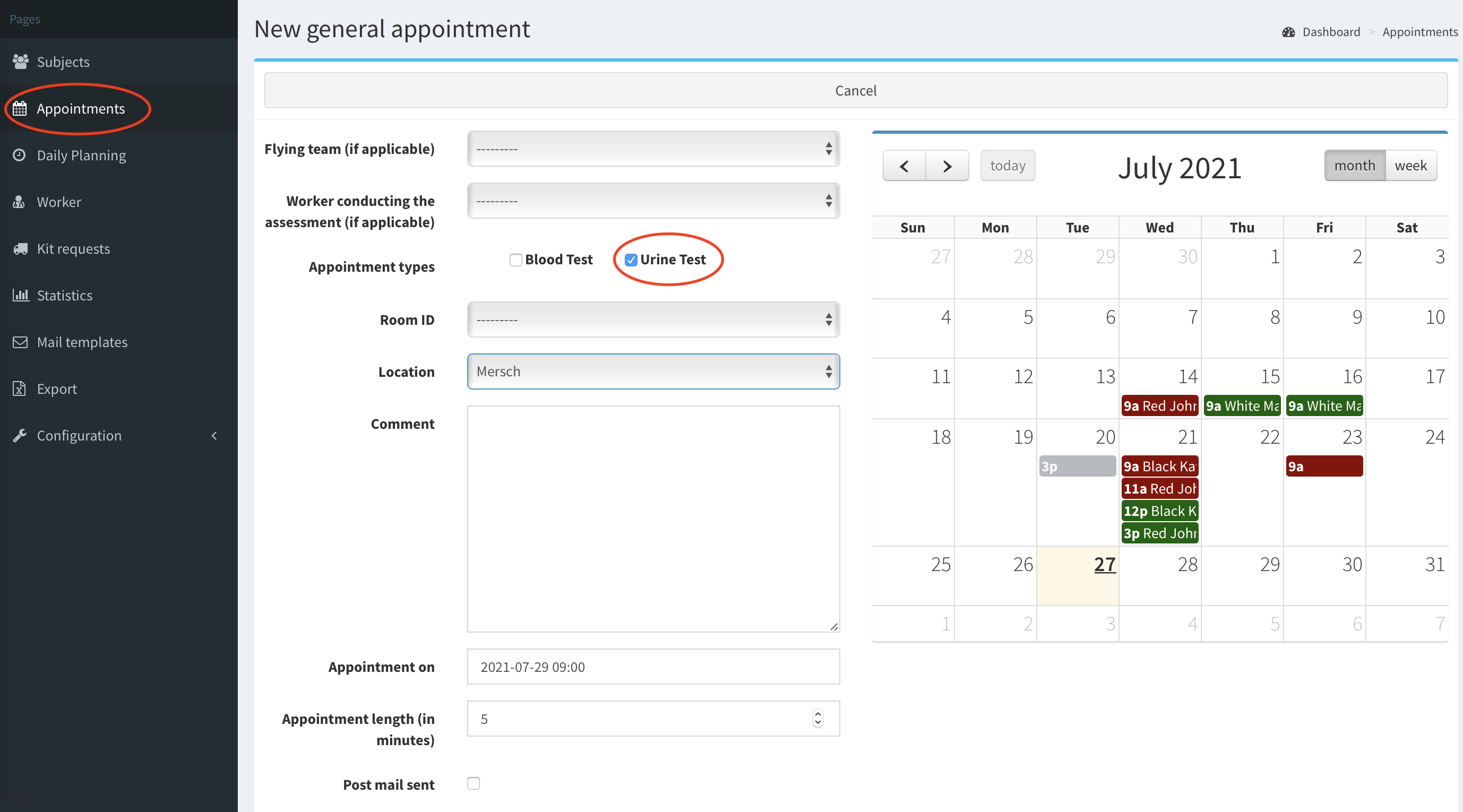
- Now the appointment is displayed in Kit requests page.
Send kit requests email#
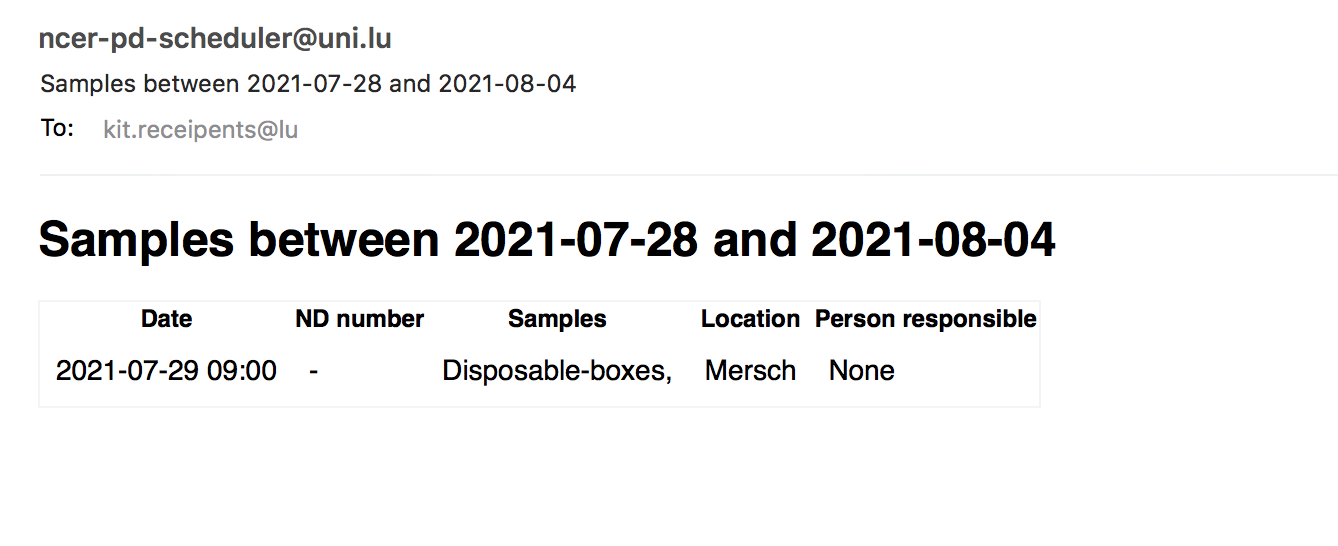
To request the necessary kits click button Send email at the bottom of the page (image above). The email with the current appointments list will be send to the team responsible for the samples. The recipients of kit requests email are provided in SMASCH configuration general. Moreover, the kit requests email can be sent automatically. Go to general configuration to setup its parameters (e.g. At what time/weekday kit request emails should be sent).
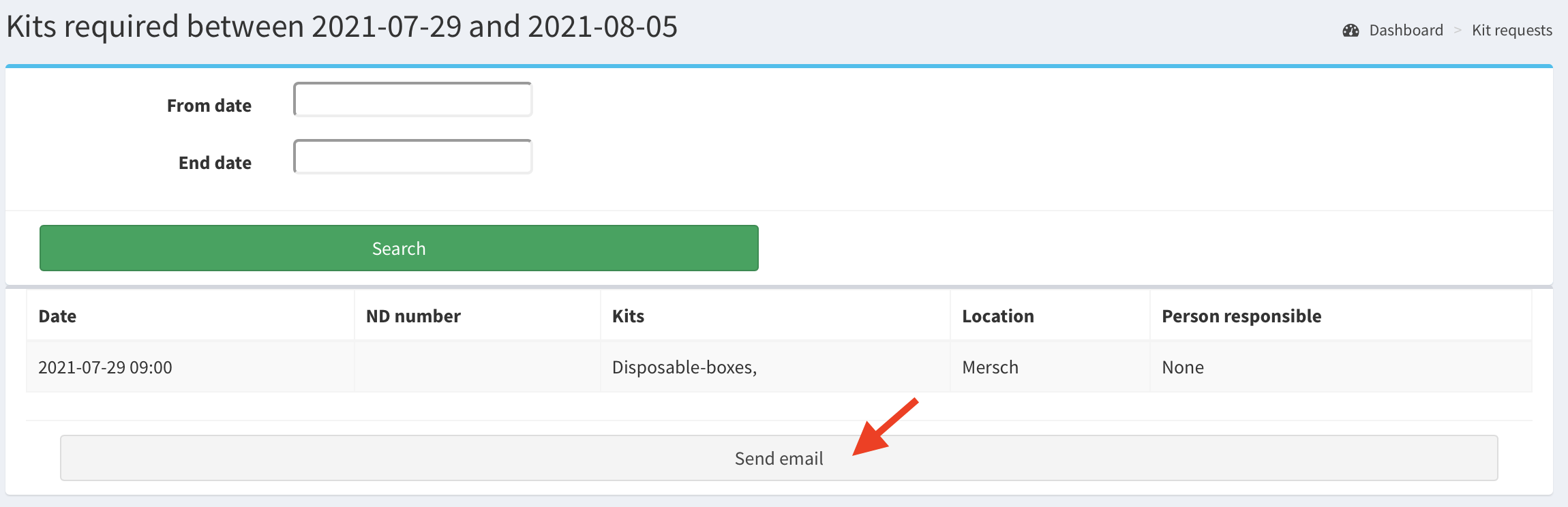
After clicking Send email the email like below is sent.