Add holidays#
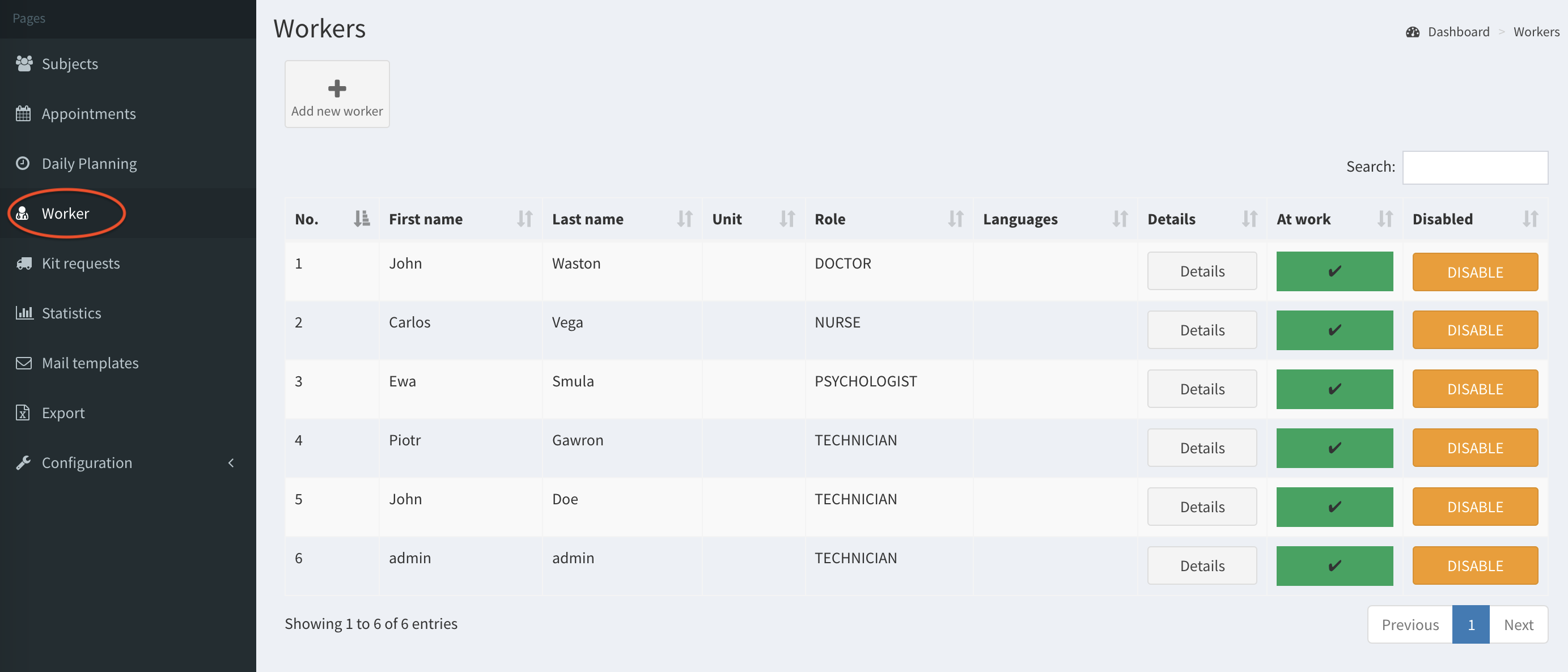
- Click on the Worker button on the left column.
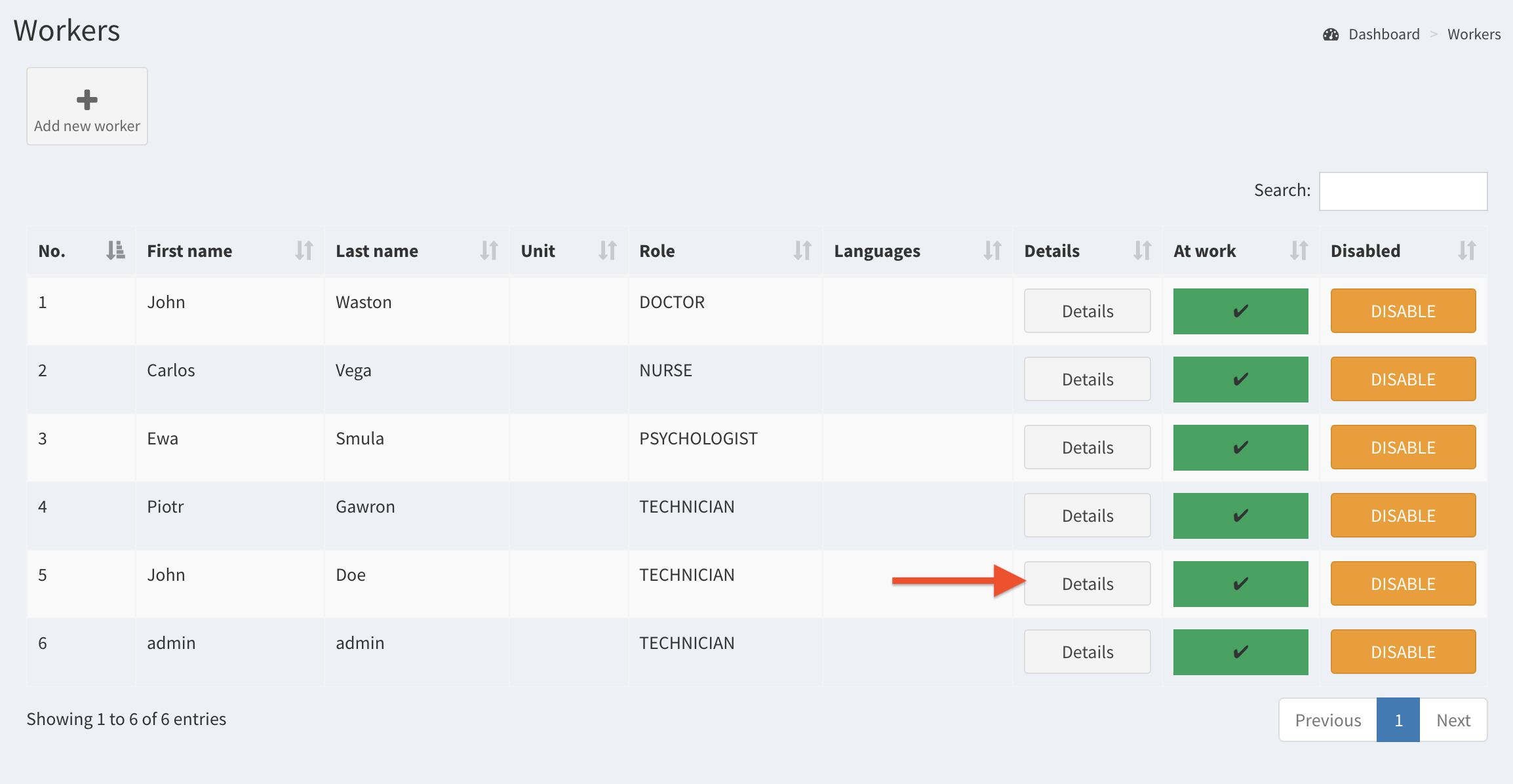
- Select a worker and click on Details.
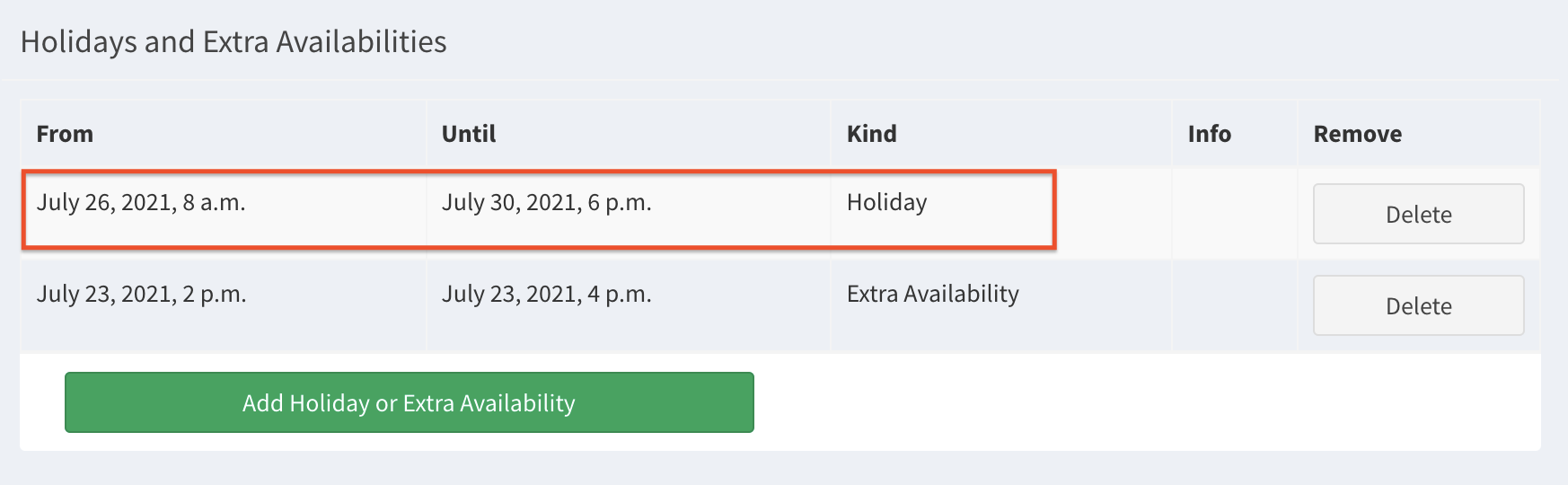
- Go to the bottom of the page and click on the button Add Holiday or Extra Availability.

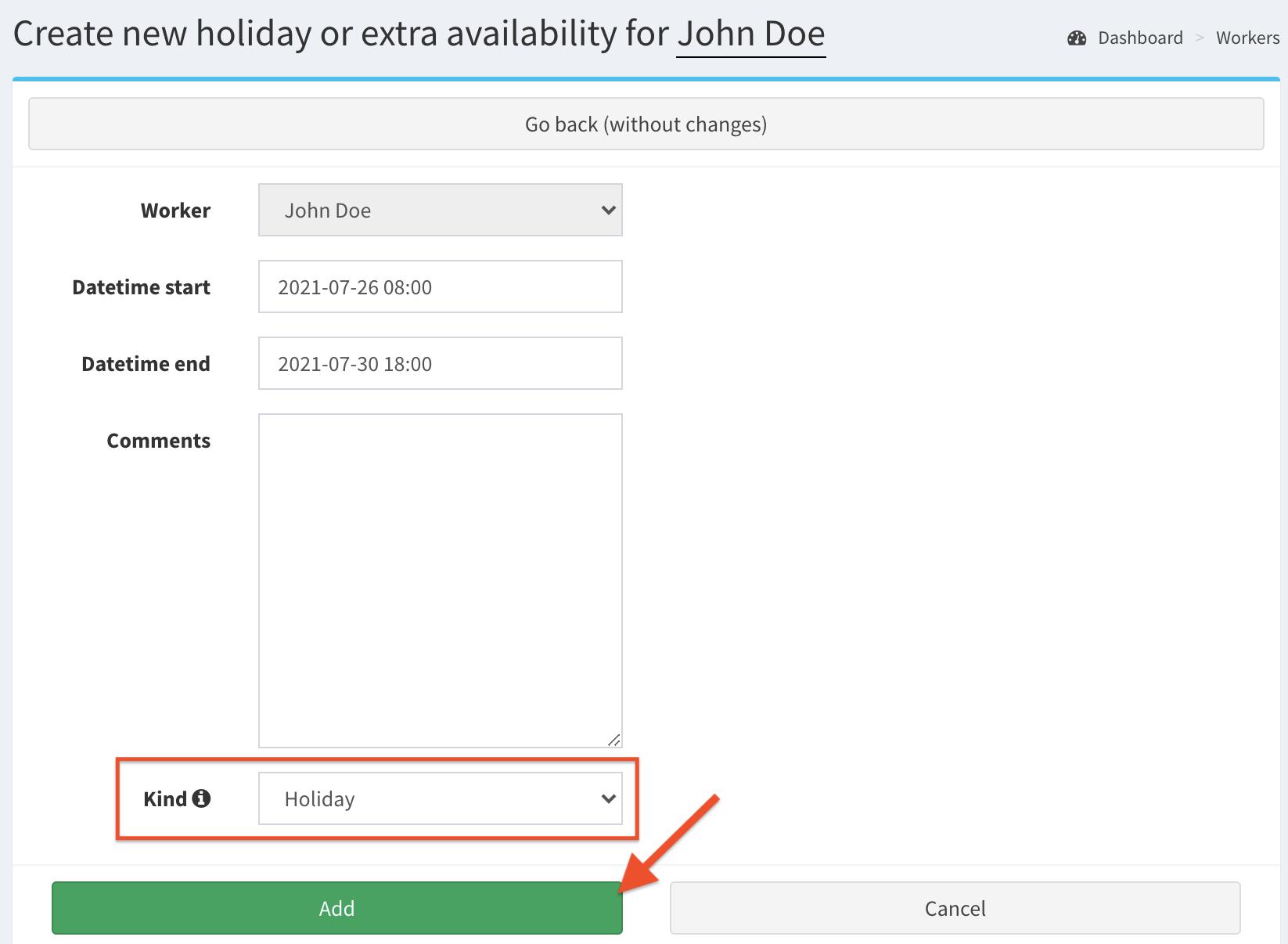
- Complete the fields, set Holiday as the kind of the availability, then Save.
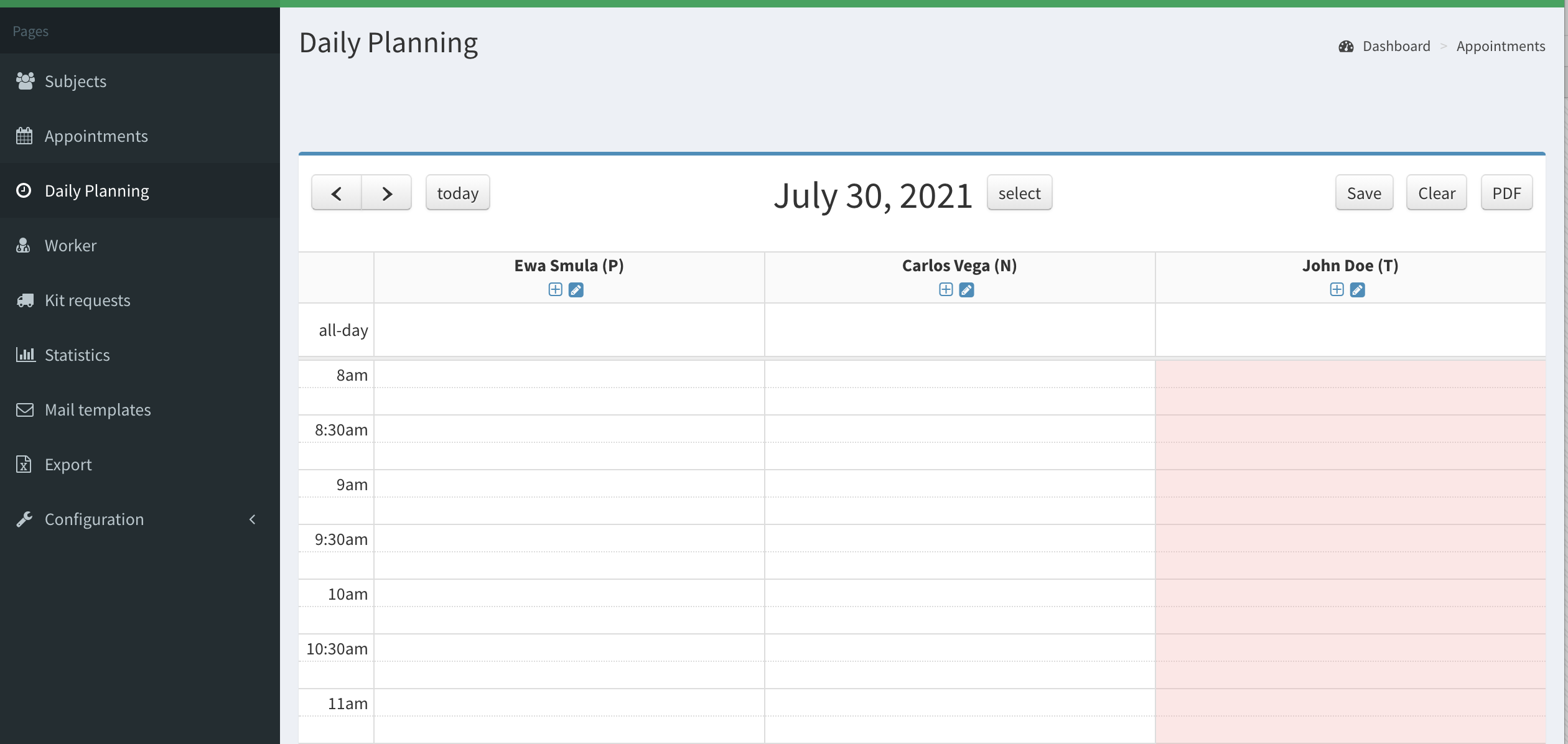
- Check if holidays are added on worker’s page and marked red in Daily Planning.
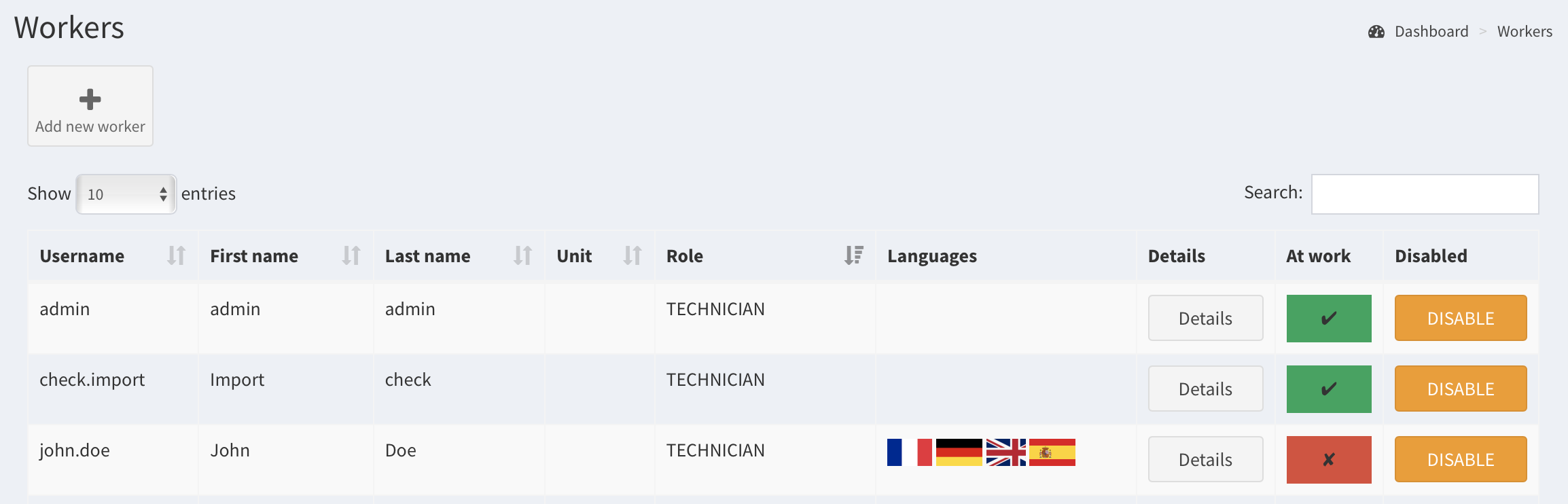
 Also, in Worker page the worker is marked red color in column At work during holiday.
Remove holidays#
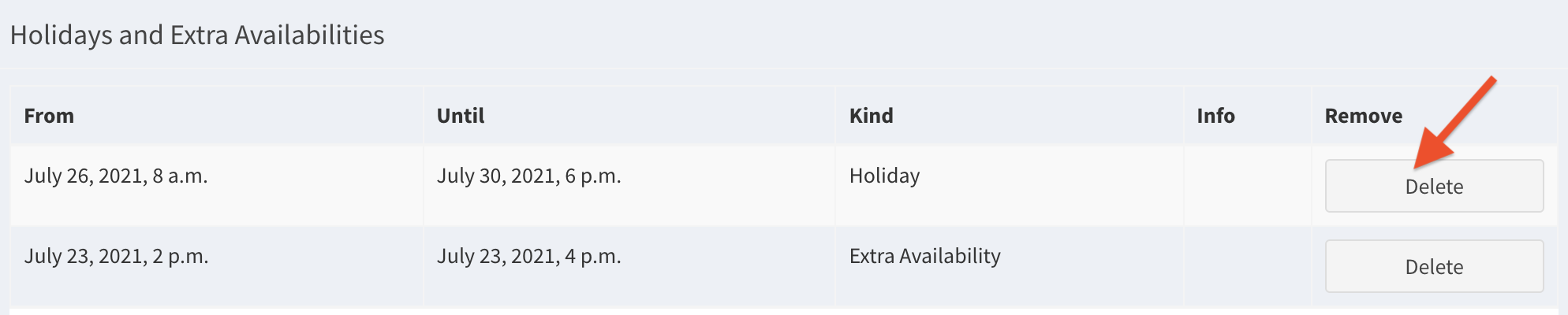
To remove holidays, click Delete button in Holidays and Extra Availability section on worker’s page.