Add worker extra availability#
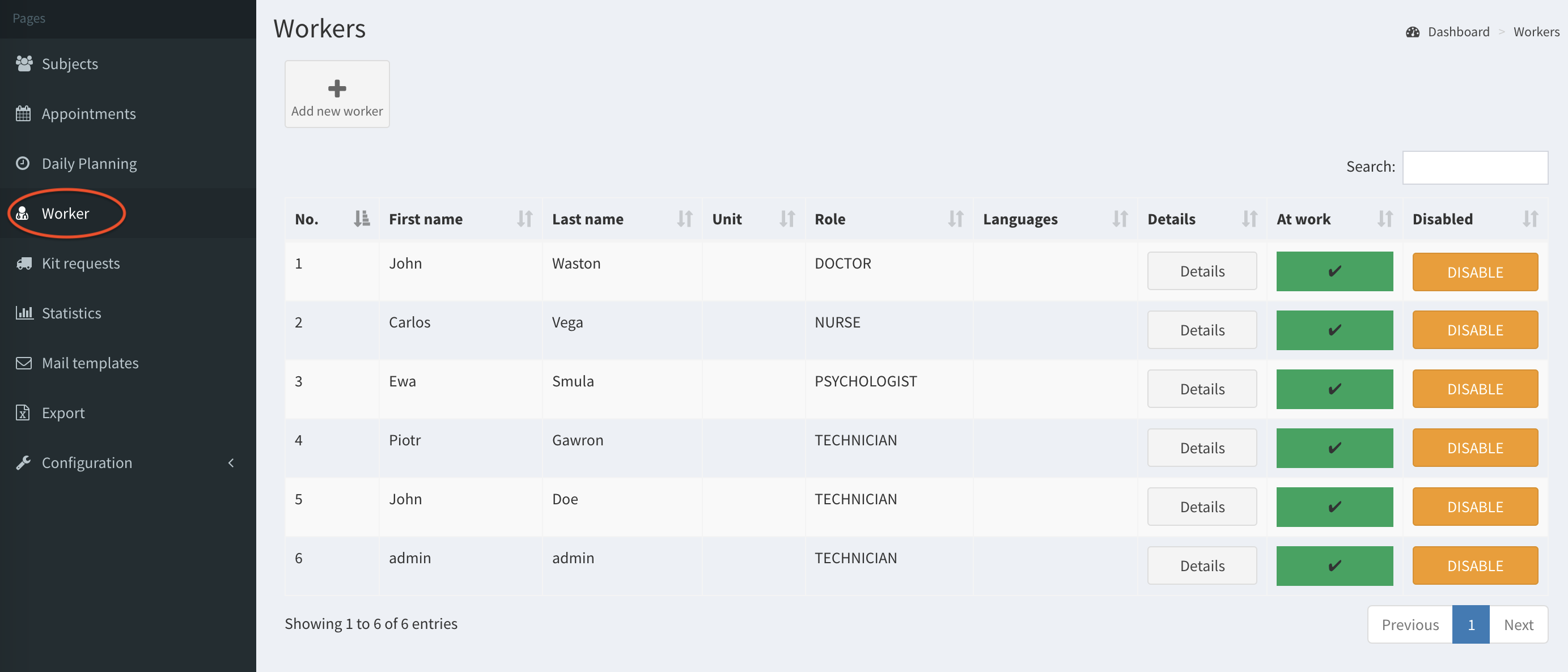
- Click on the Worker button on the left column.
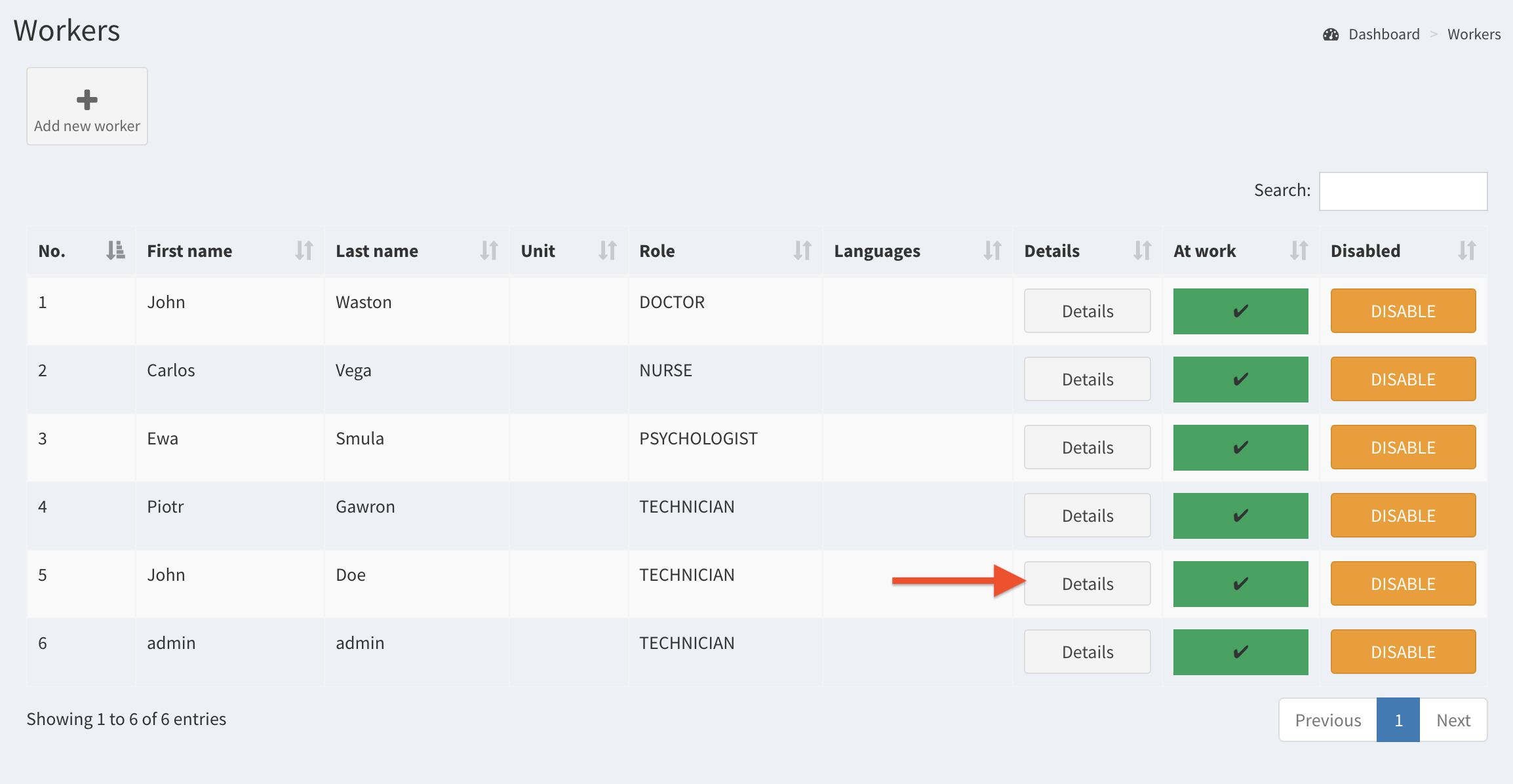
- Select a worker and click on Details.
- Go to the bottom of the page and click on the button Add Holiday or Extra Availability.

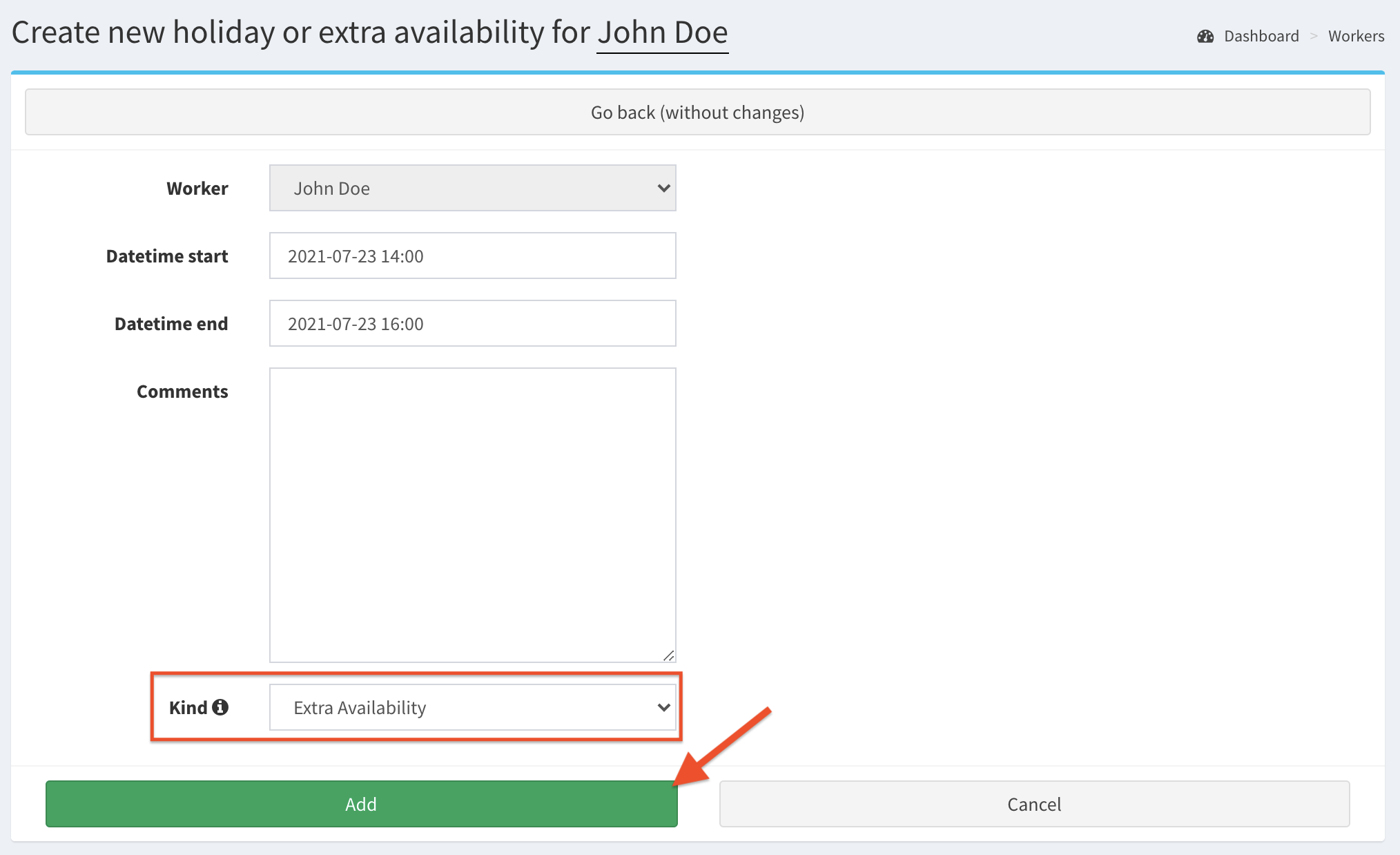
- Complete the fields, set Extra Availability as the kind of the availability, then Save.
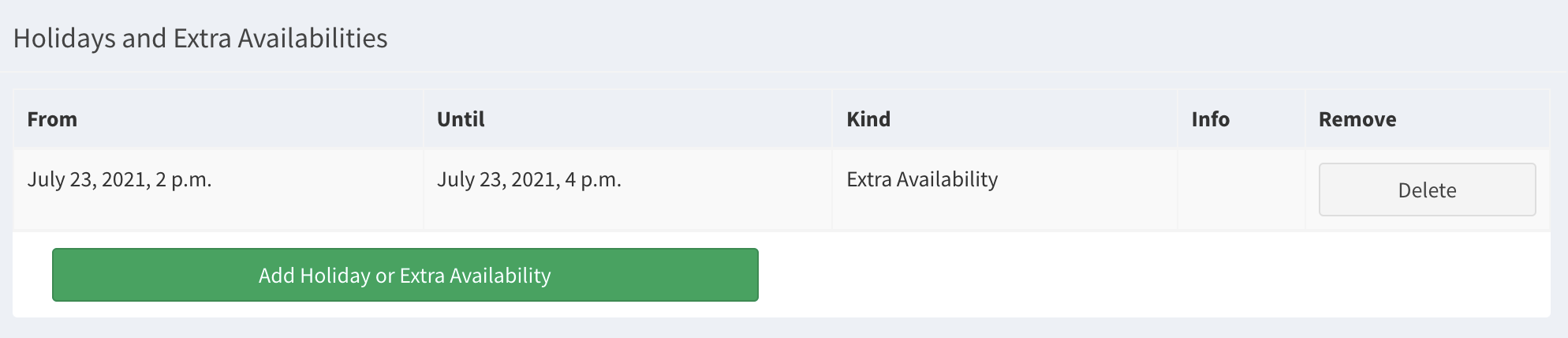
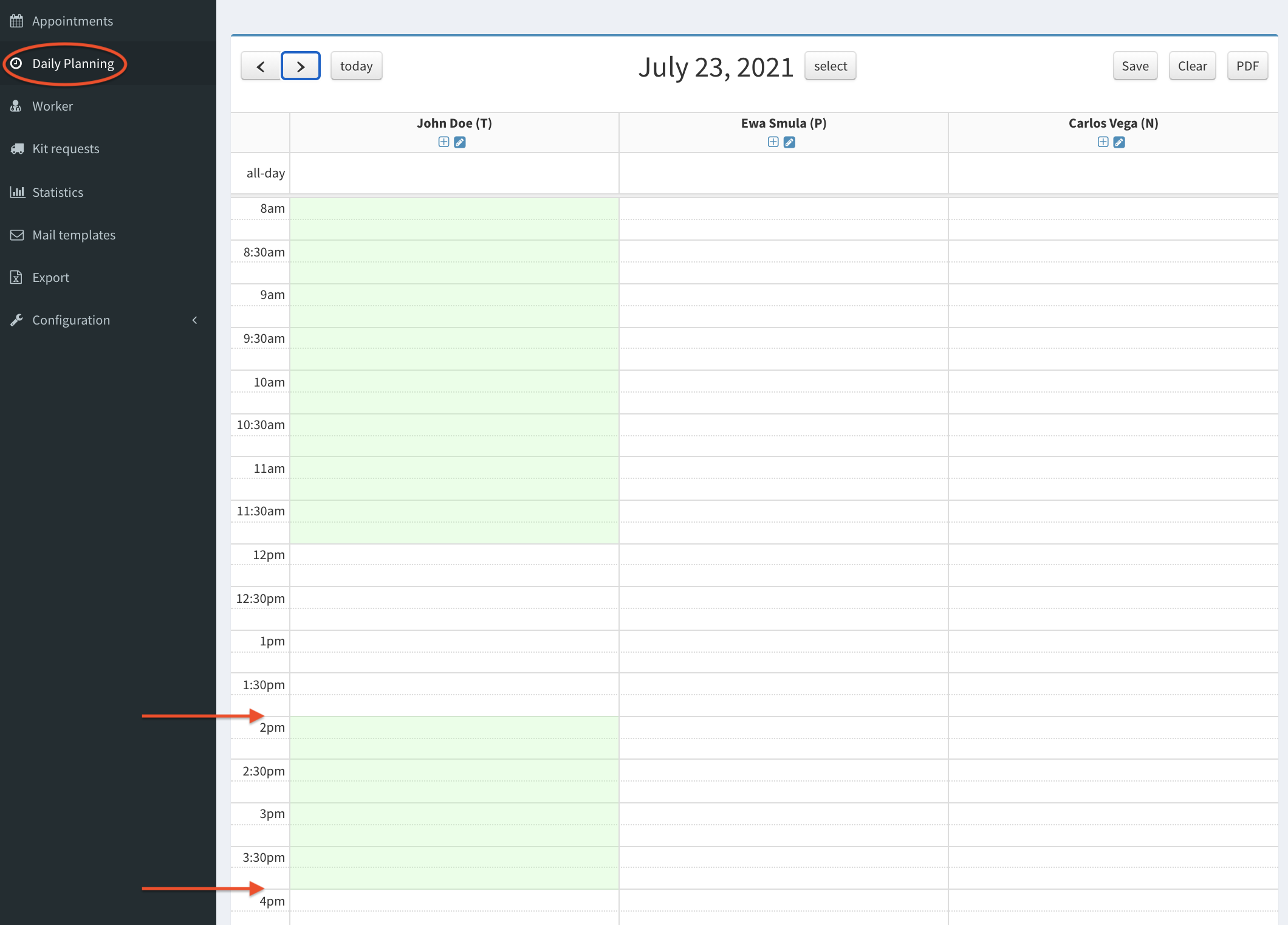
- Check if extra availability is added on worker’s page and Daily Planning:
Remove worker extra availability#
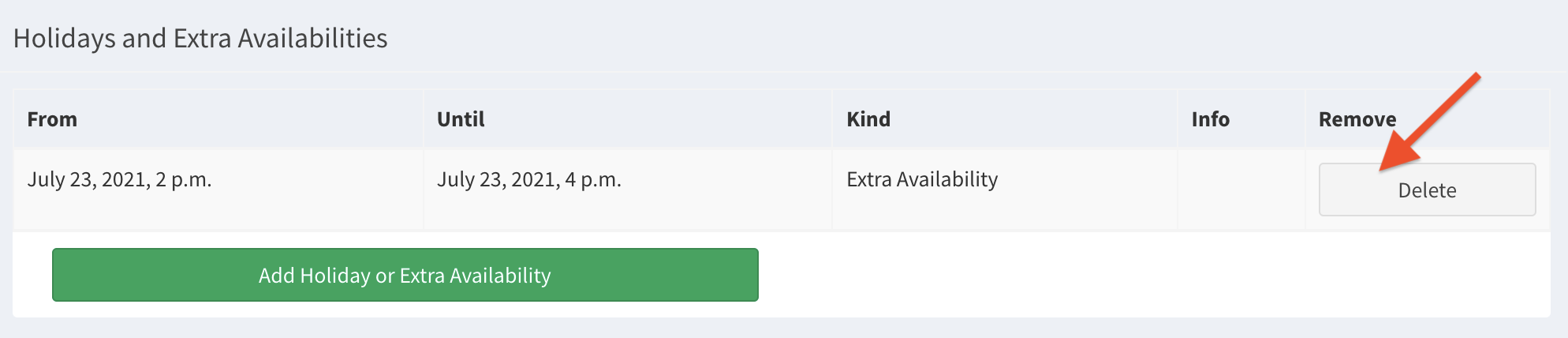
To remove additional availability, click Delete button in Holidays and Extra Availability section on worker’s page.