Add worker’s availability
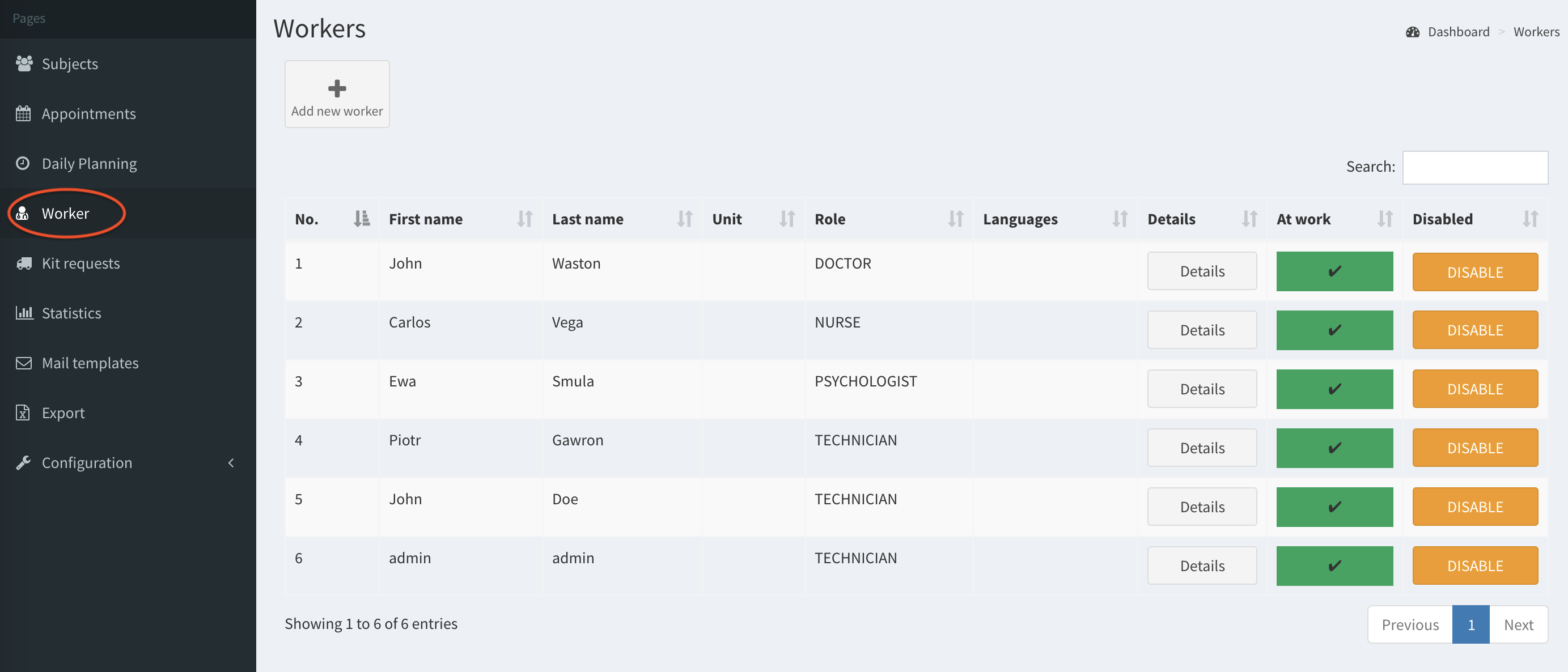
- Click on the Worker button on the left column.
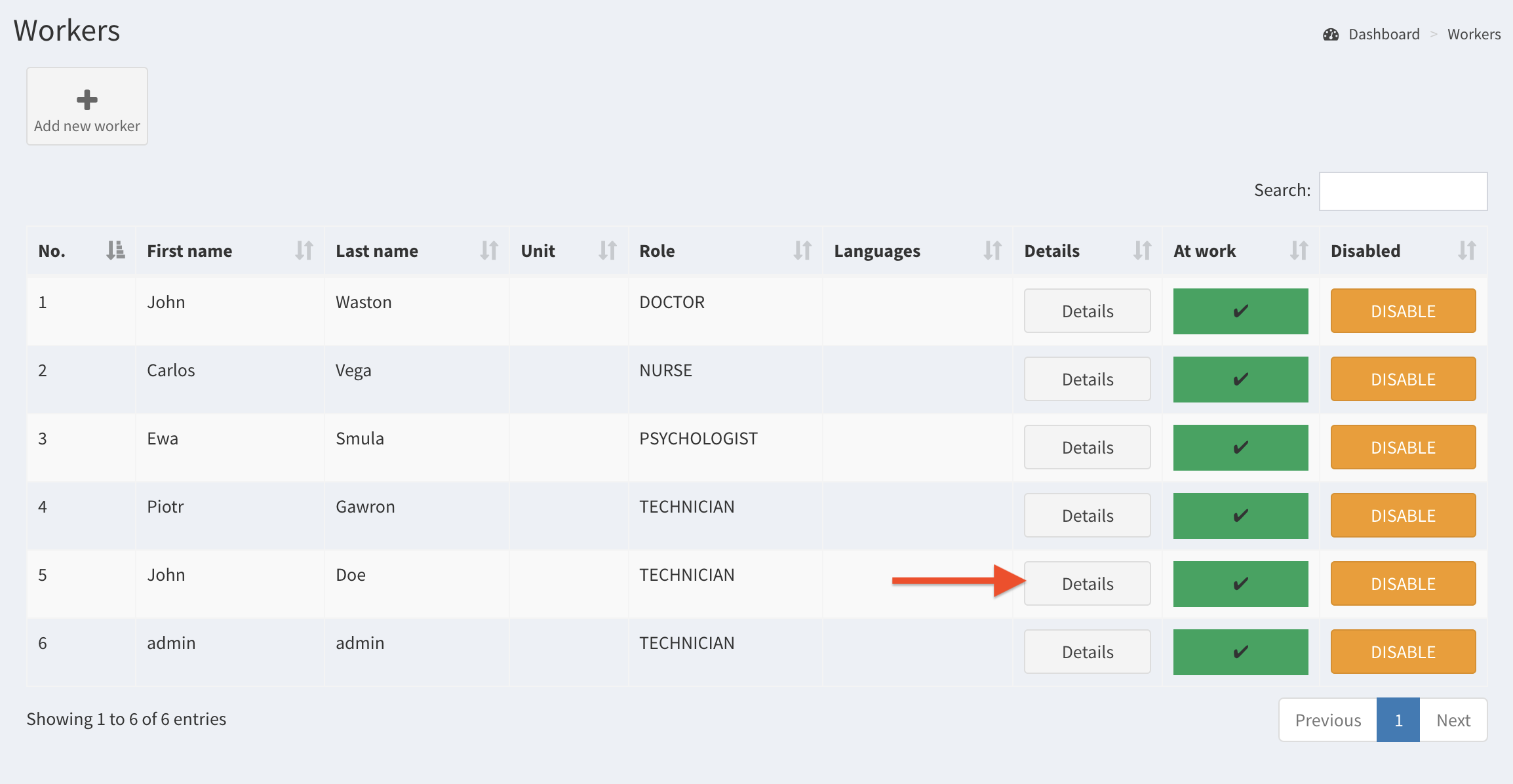
- Select a worker and click on Details.
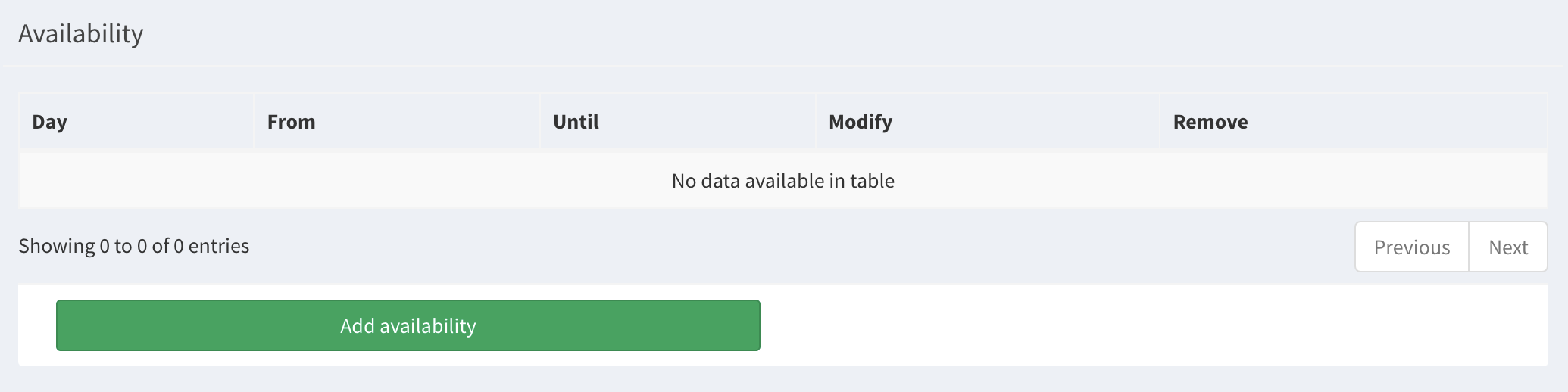
- Go to the bottom of the page and click on the button Add availability.
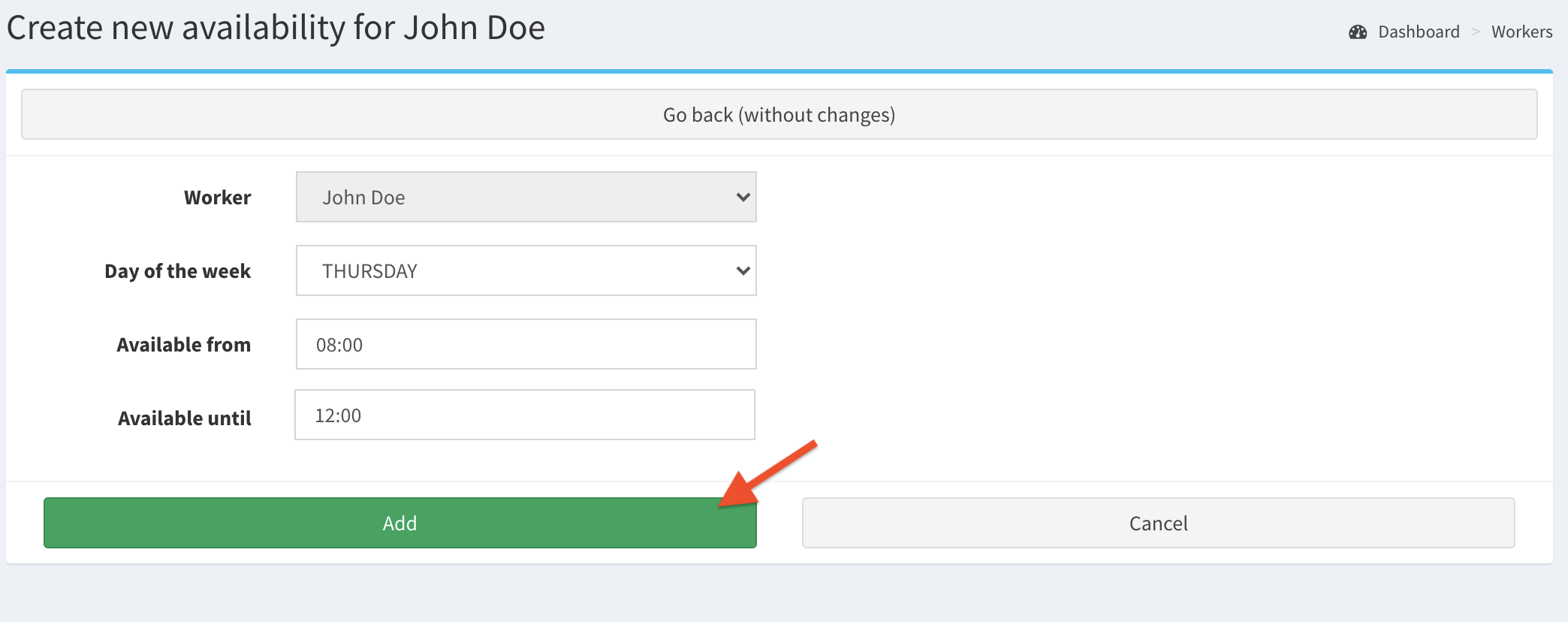
- Select the day of the week and the availability, then click Add to accept.
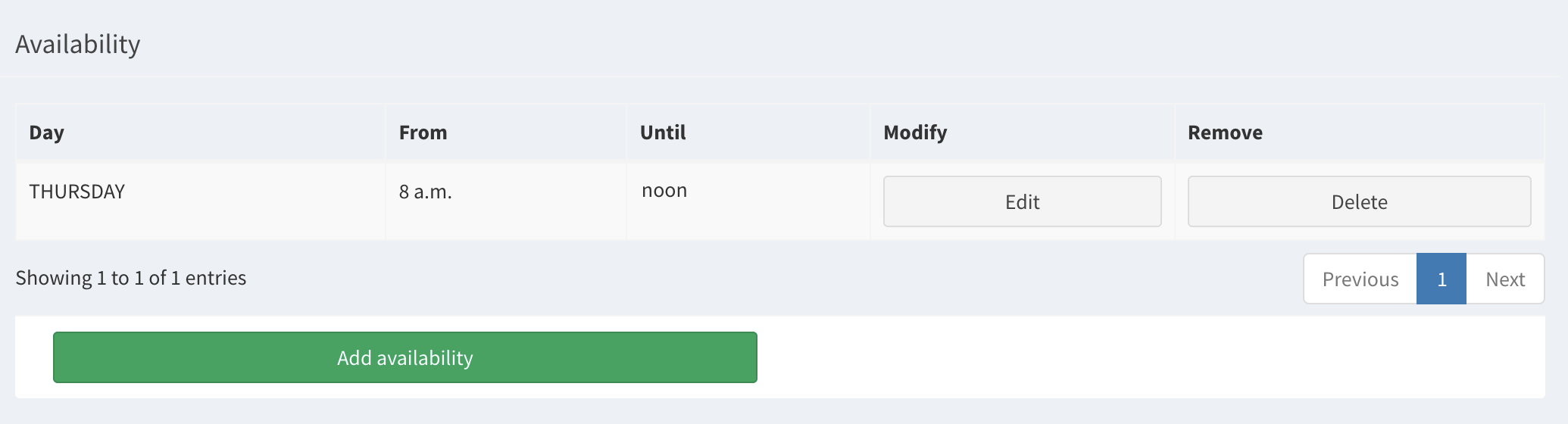
- Now in the worker’s details you see his availability.
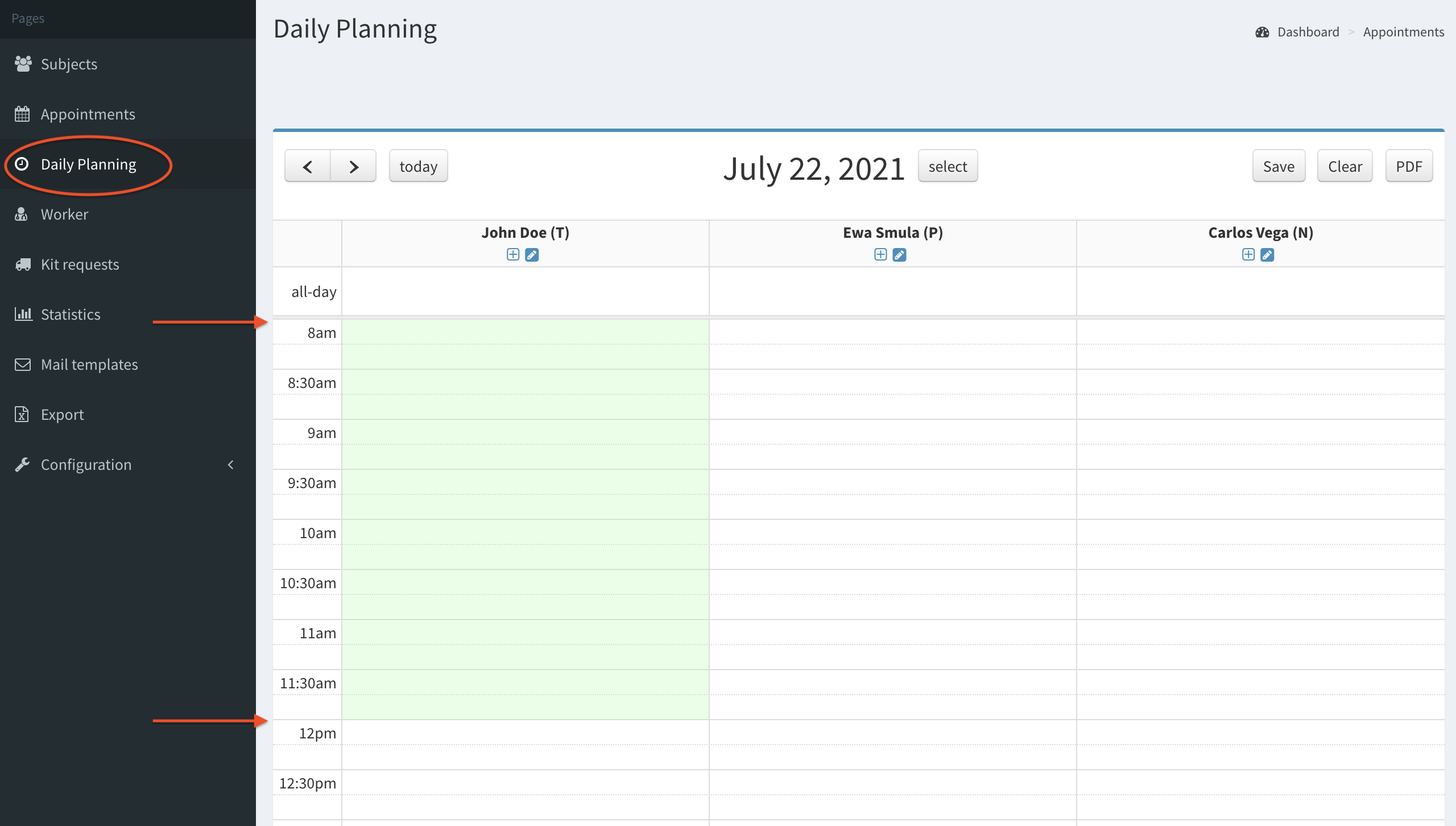
- Click on the Daily planning button on the left menu and check if the appointment availability created before is on the planning.
Back to top
Edit / delete worker’s availability
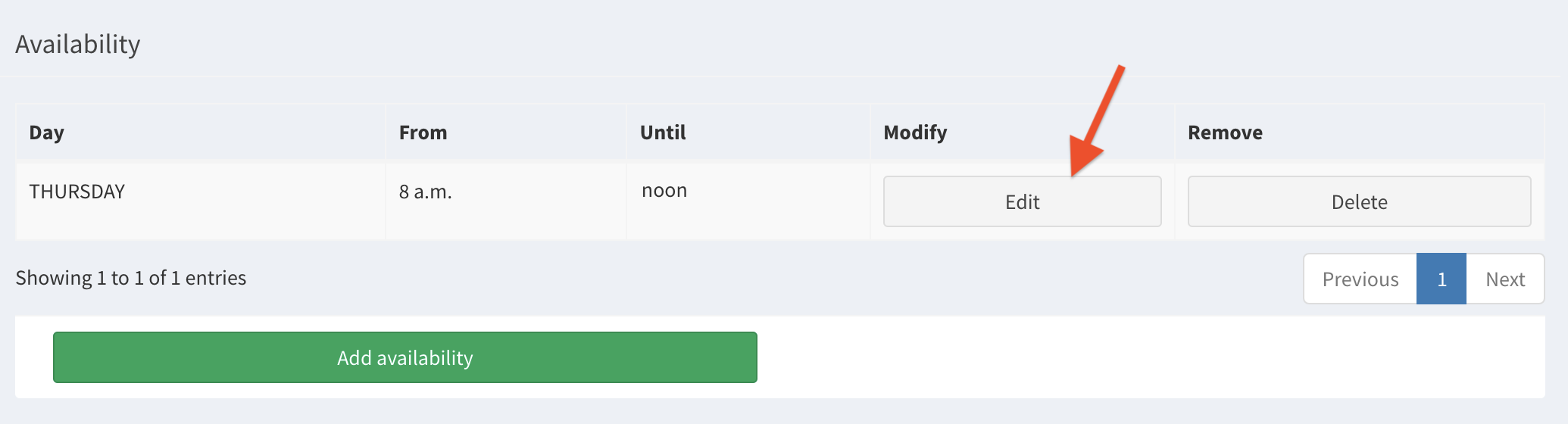
- To edit worker’s availability go to worker’s Details and click Edit button on the worker’s page.
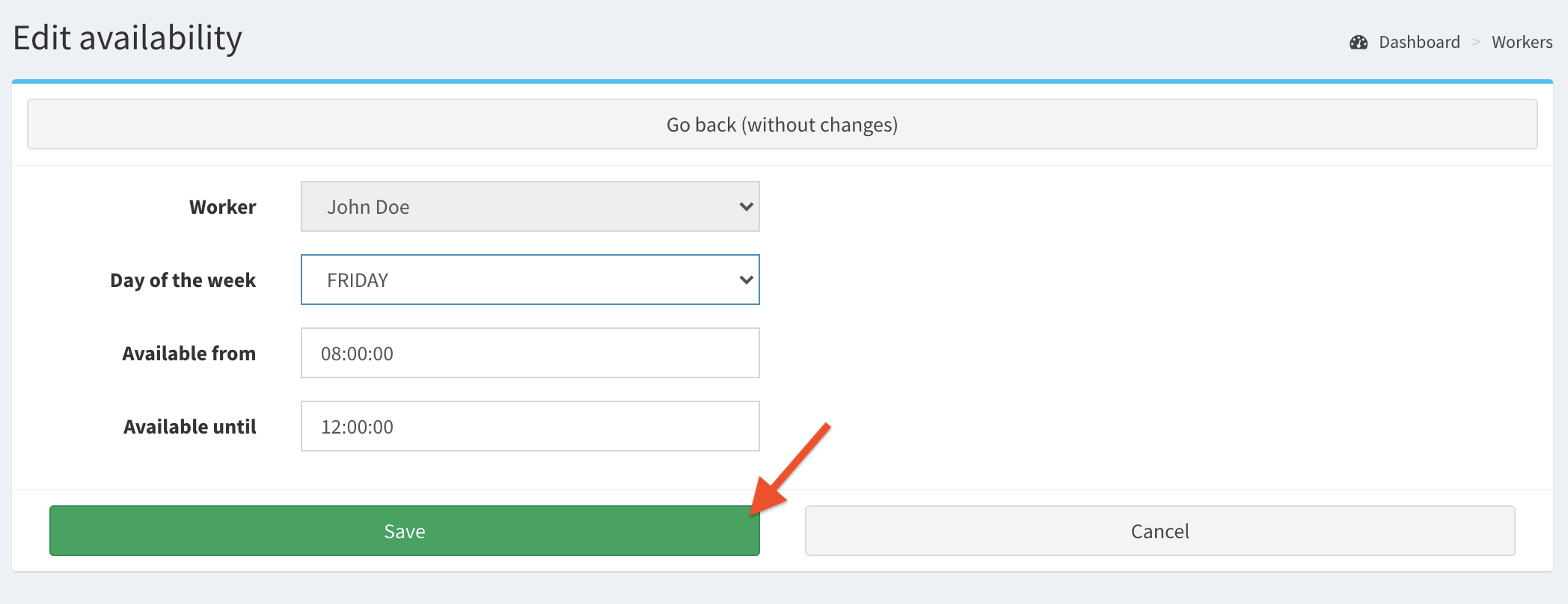
- Change any information, then click Save.
- Check if the availability was correctly changed (in this example: from Thursday to Friday).

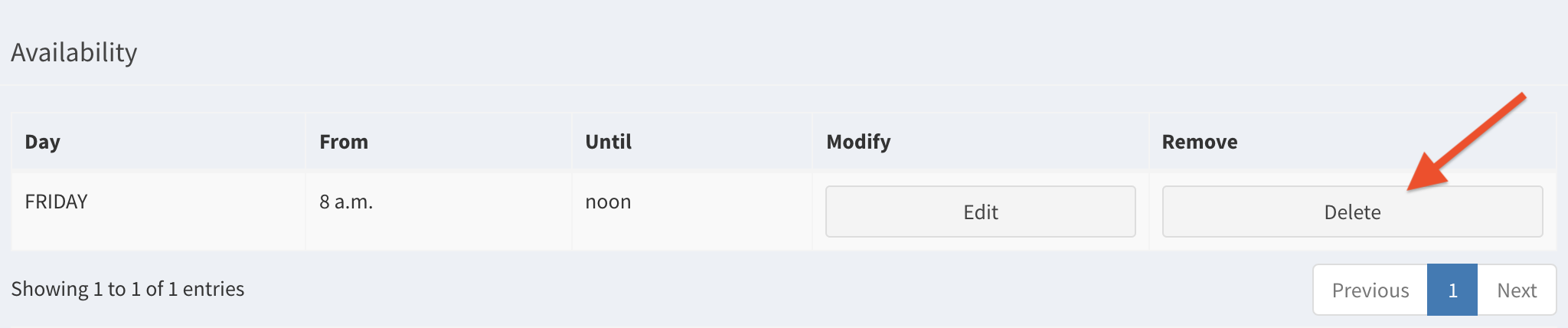
- To delete an availability - click on the Delete button.
Back to top