Rooms#
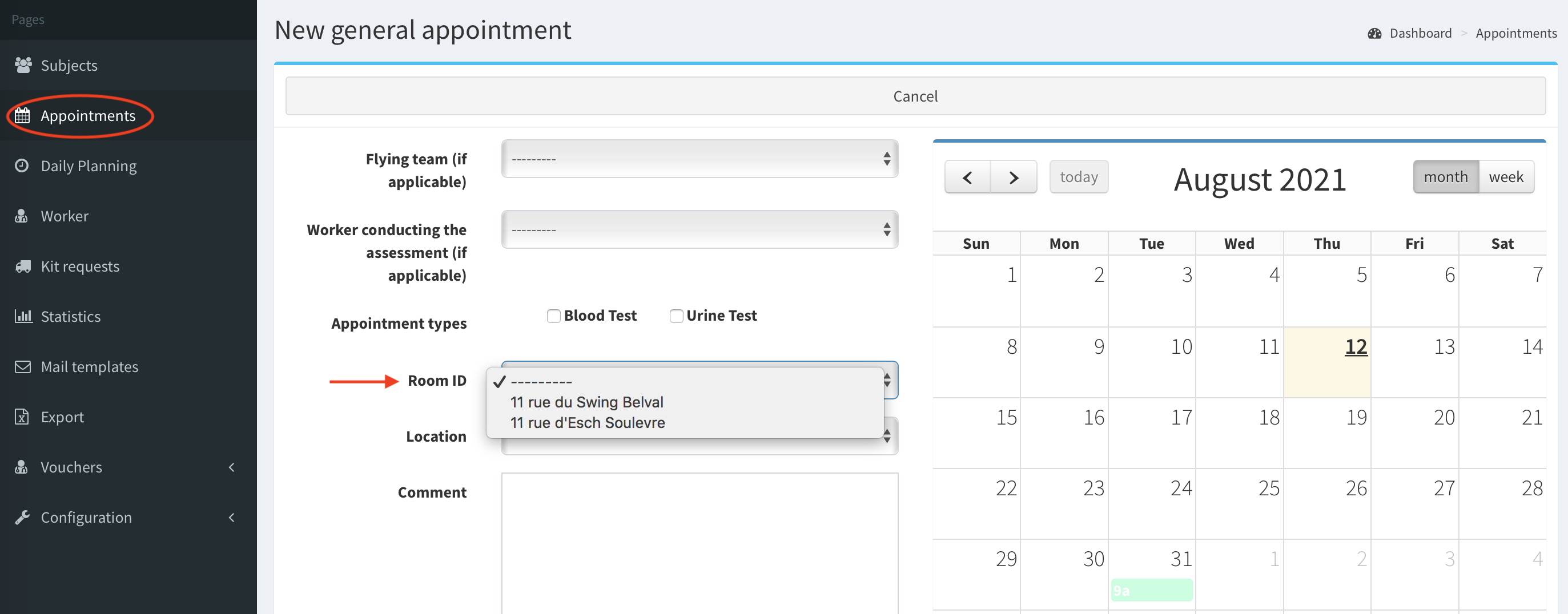
The rooms represent the particular rooms in a clinic or a hospital, often with the fixed equipment to conduct the appointment. During adding a new appointment you can select the room where appointment will be taken.
Add/edit room#
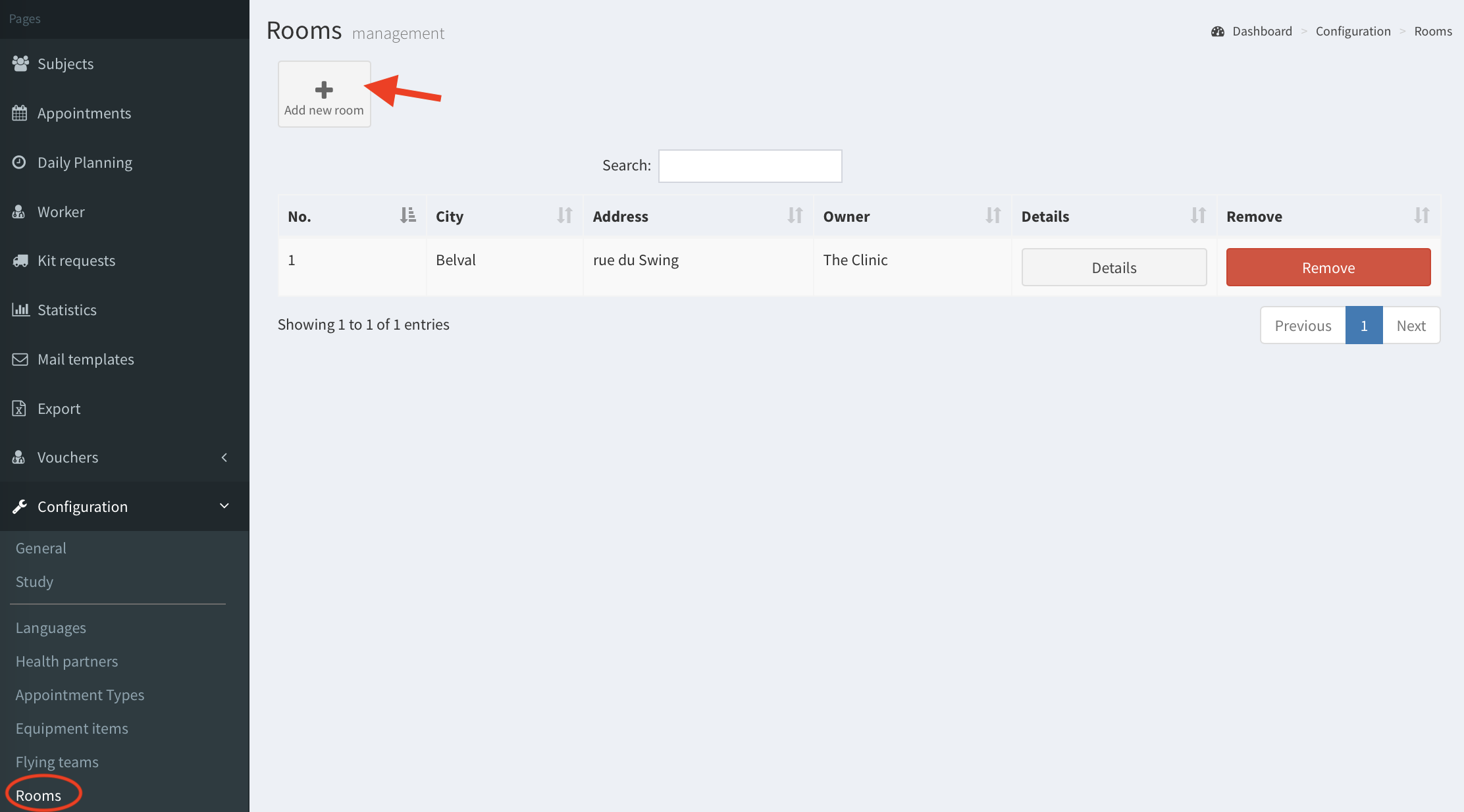
- Go to Rooms in the left panel and click Add new room button.
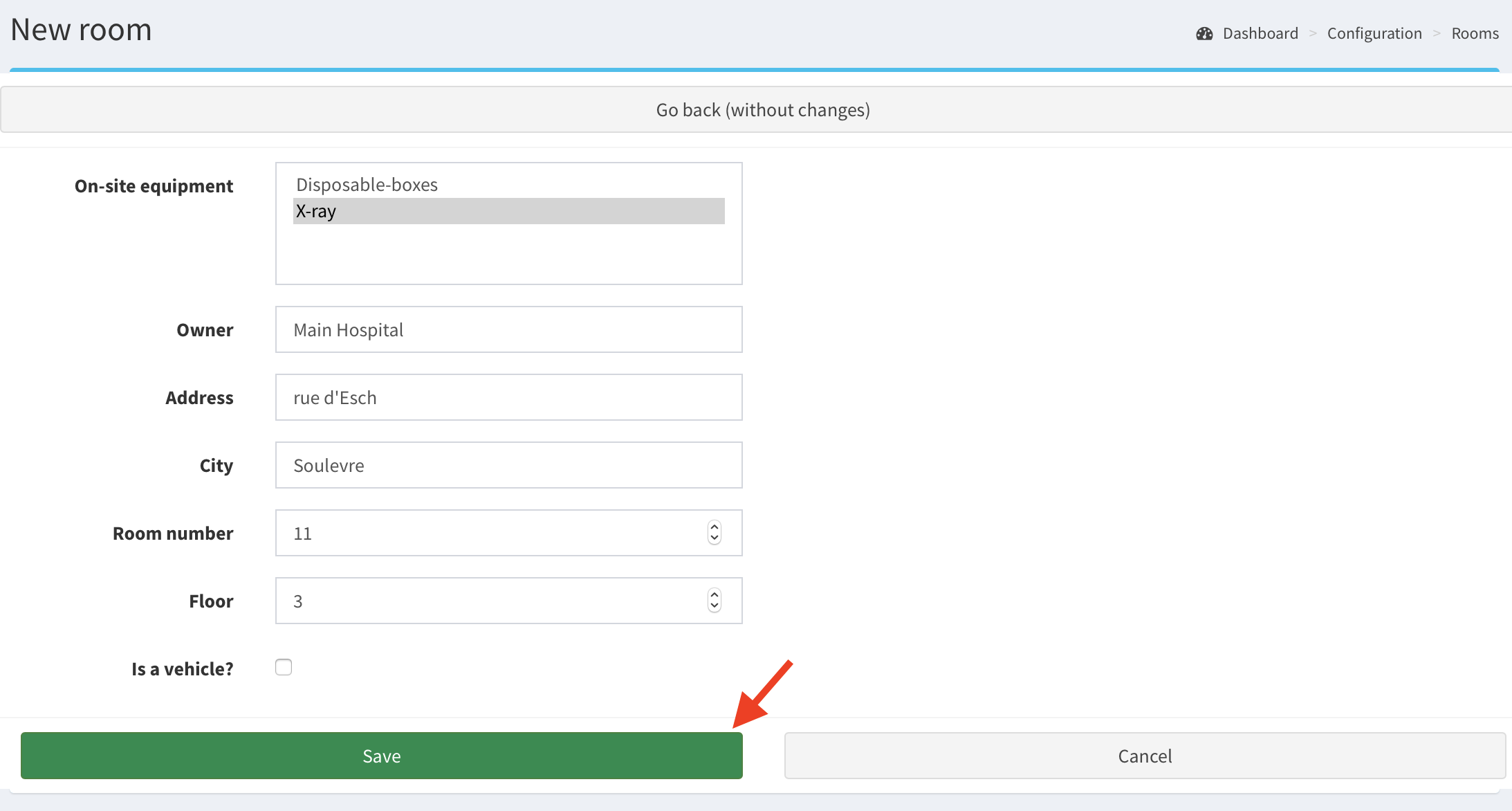
- Fill in the form. All fields are mandatory. Also, you can select on-site equipment items.
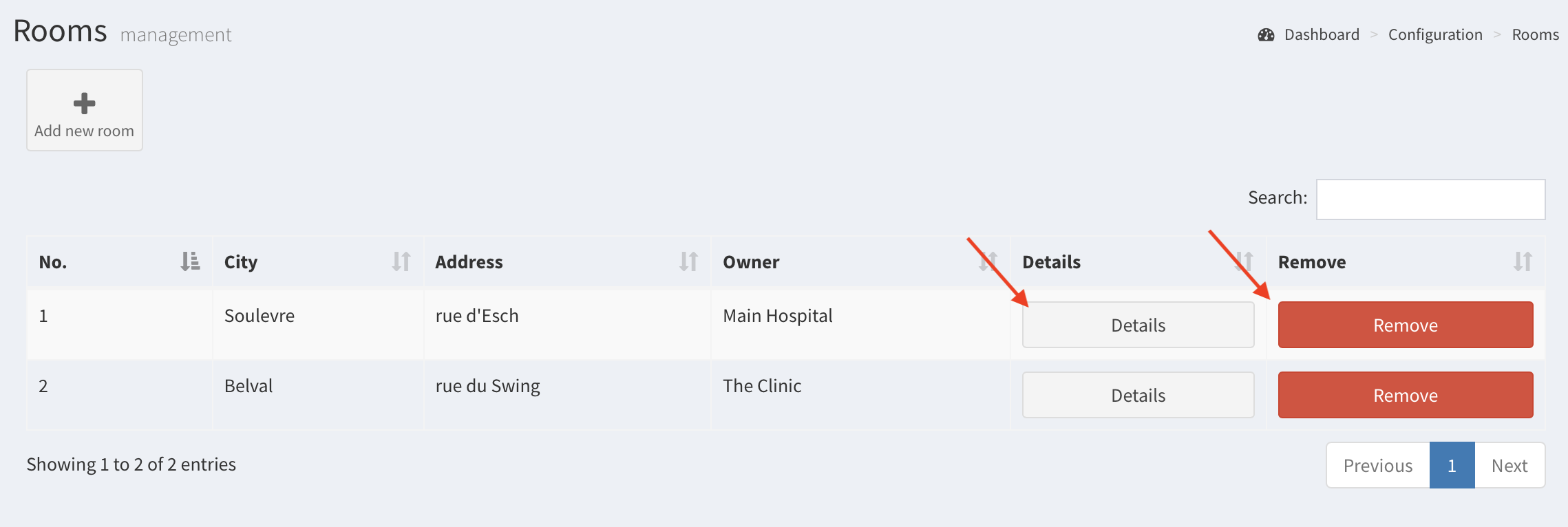
- After clicking Save the room is added. You can edit or delete it with Details and Removes buttons.
- The room can be chosen during adding an appointment.