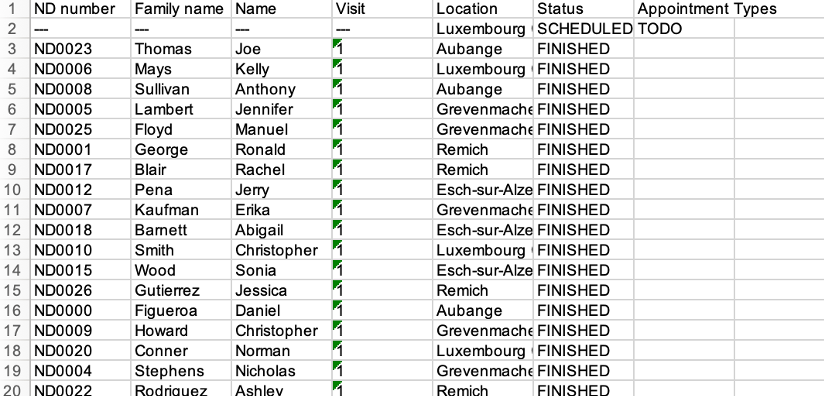
Export the details of the appointments#
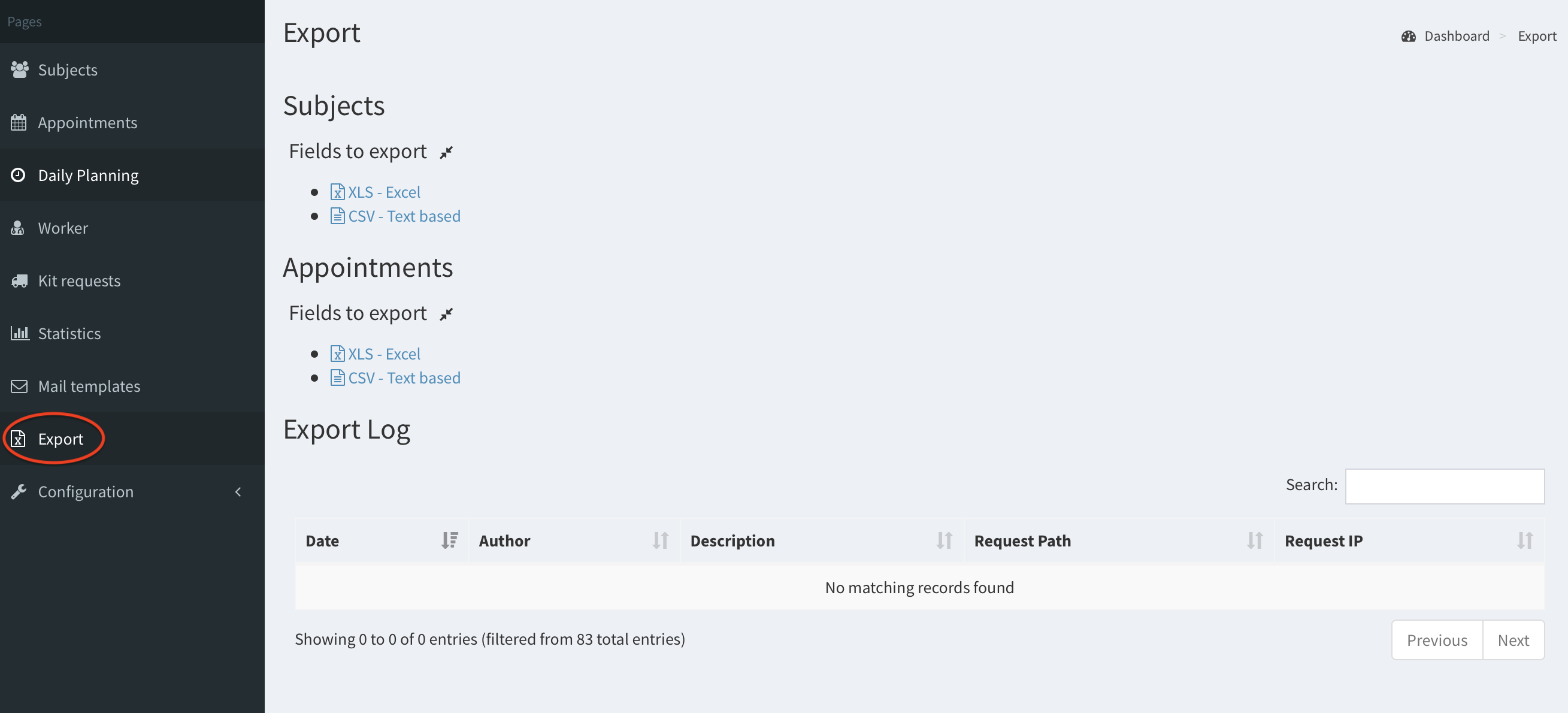
- Click on the Export button on the left panel.
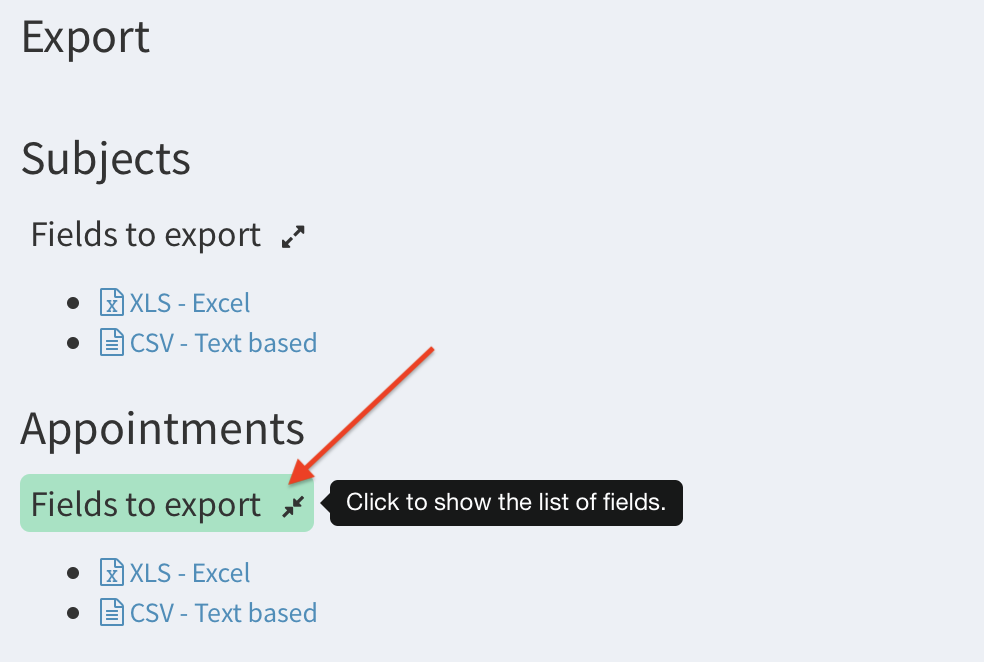
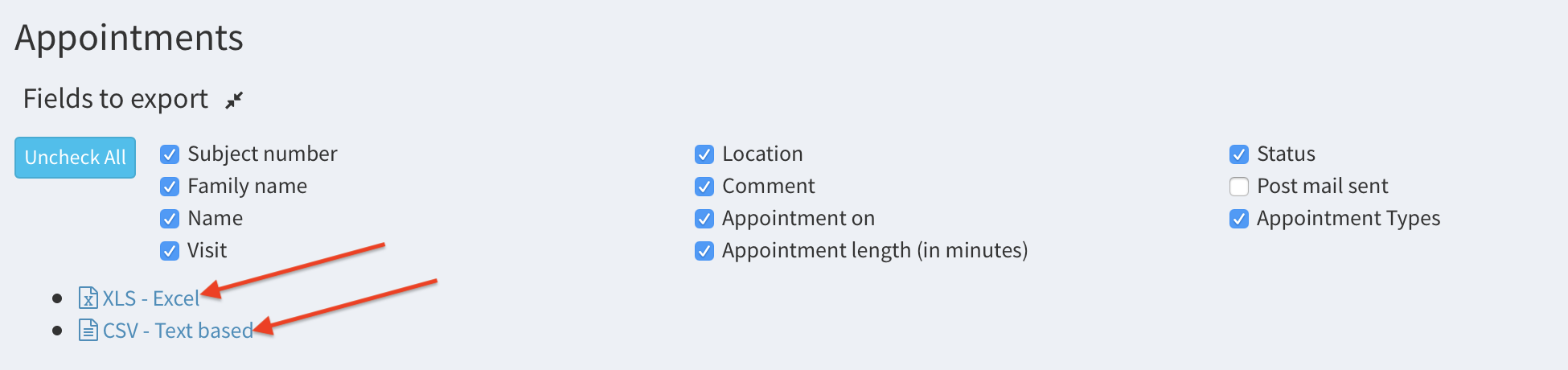
- Click on Fields to export this to show the list of available information.
- Now, choose the desired information by ticking the checkboxes.
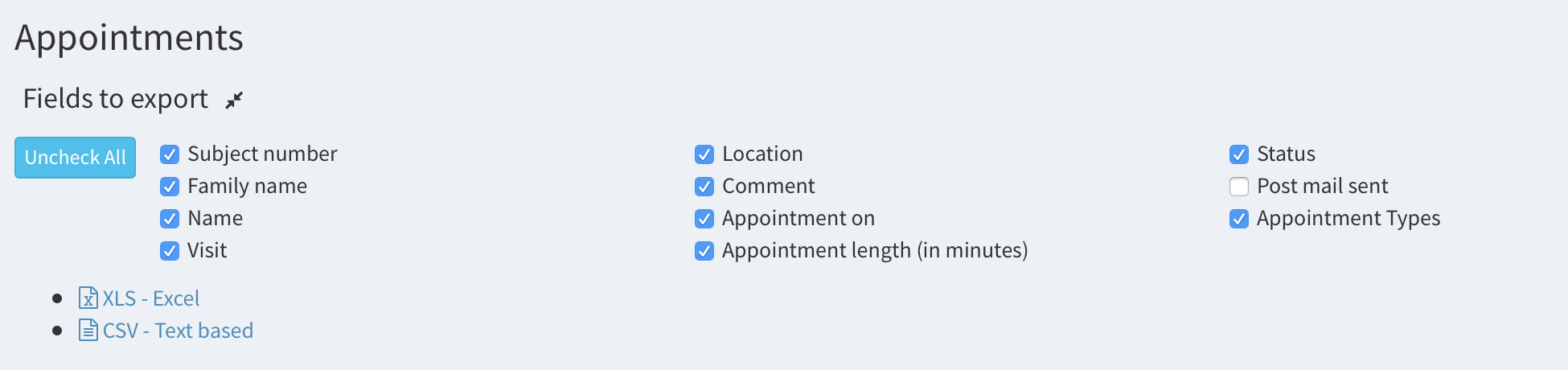
- Click on XLS-Excel or CSV-Text based to download the particular spreadsheet.
- For example, if you selected the XLS extension, you should have a result similar to this one: